Local AI Agent Dashboard: 6 Checks Before You Choose a Self-Hosted Workspace
A practical comparison for people deciding whether Odysseus AI, Open WebUI, AnythingLLM, Dify, or a smaller local setup should sit above their model runtime.

In this guide
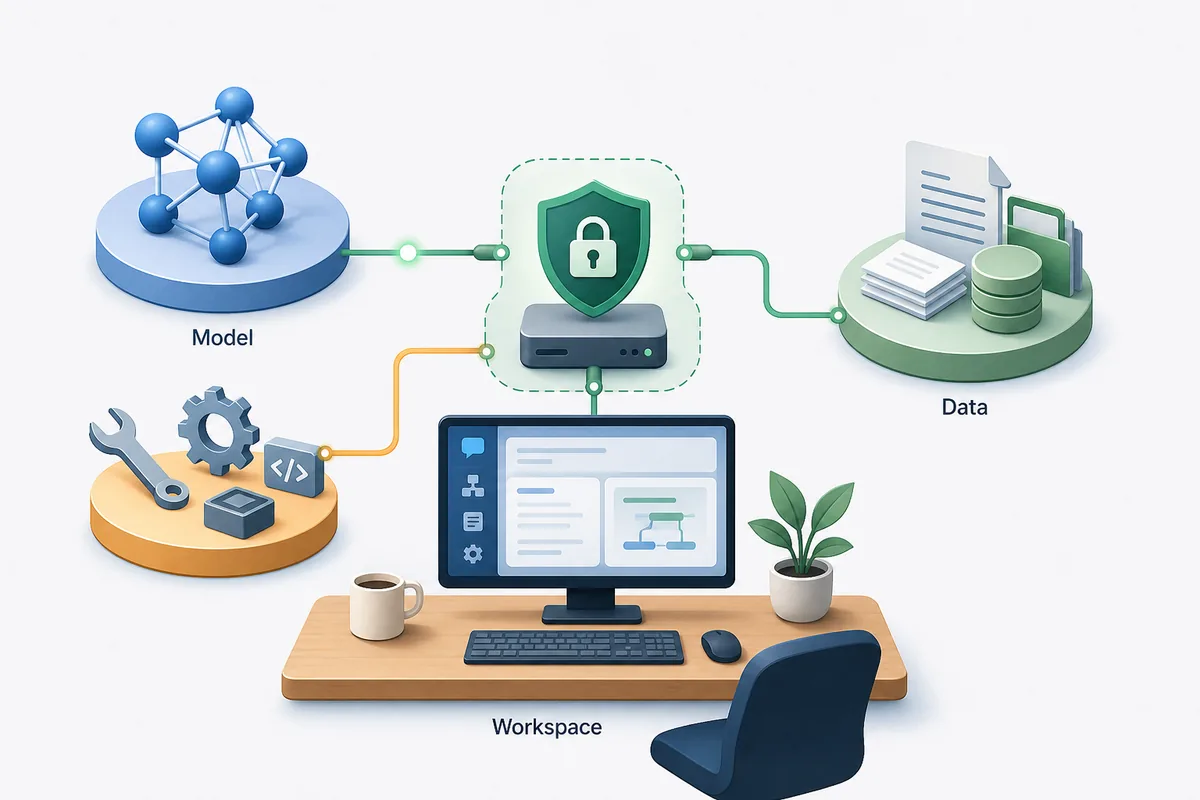
People searching for a local AI agent dashboard usually do not need another list of model names. They need to choose the layer that sits above Ollama, LM Studio, OpenAI-compatible endpoints, documents, search tools, and team workflows. The wrong choice creates a week of setup work before the first useful session; the right choice makes the model backend feel like part of a stable workspace.
Start with the job of the dashboard, not the model
A local model runtime answers prompts. A local AI agent dashboard organizes how those prompts become repeatable work: chats, files, tool calls, memory, research, document retrieval, team sharing, and service configuration. That is why comparing dashboards by model speed alone misses the real decision.
For an Odysseus AI reader, the first split is simple. If you want a broad self-hosted workspace with agents and documents around your local models, Odysseus AI is worth testing. If you mainly want a familiar chat interface for Ollama, a narrower chat-first project may be faster. If your goal is to build production-like LLM apps, an app-builder platform can be more appropriate than a personal workspace.
Treat this choice as architecture. Pick the dashboard after you know where models run, where private files live, who can log in, whether workflows need tools, and how much maintenance you are willing to own.
Best first filter
Choose a workspace dashboard for repeatable local AI work; choose a chat UI for simple prompting; choose an app builder when the goal is packaging workflows for other users.
Six checks that matter before you install a local AI agent dashboard
Most local AI dashboards look similar in screenshots: a sidebar, a chat box, model settings, and sometimes document upload. The meaningful differences appear after the first hour, when you need to add files, route models, run tools, recover data, update containers, or expose the app safely.
Use the checks below before installing several dashboards at once. They keep the decision tied to real work instead of feature labels.
| Check | What to look for | Warning sign |
|---|---|---|
| Model routing | OpenAI-compatible endpoints, Ollama support, and clear base URL settings. | The app hides endpoint behavior or assumes one hosted provider. |
| Workspace depth | Agents, documents, research, notes, tasks, or repeatable flows if you need more than chat. | The dashboard is pleasant but becomes thin once you add real work. |
| Data location | Clear storage paths, volumes, backups, and export options. | You cannot tell where uploads, embeddings, credentials, or conversation history are stored. |
| Local exposure | Localhost-first setup, authentication, and deliberate reverse-proxy guidance. | A tutorial tells you to publish ports before changing credentials. |
| Maintenance | Readable Docker or native install flow, active releases, and plain upgrade steps. | A fragile install script is the only documented path. |
| Workflow fit | A product shape that matches your actual use: personal workspace, chat UI, knowledge base, or app builder. | You are installing a large platform for a one-person prompt box. |
Odysseus AI vs Open WebUI vs AnythingLLM vs Dify
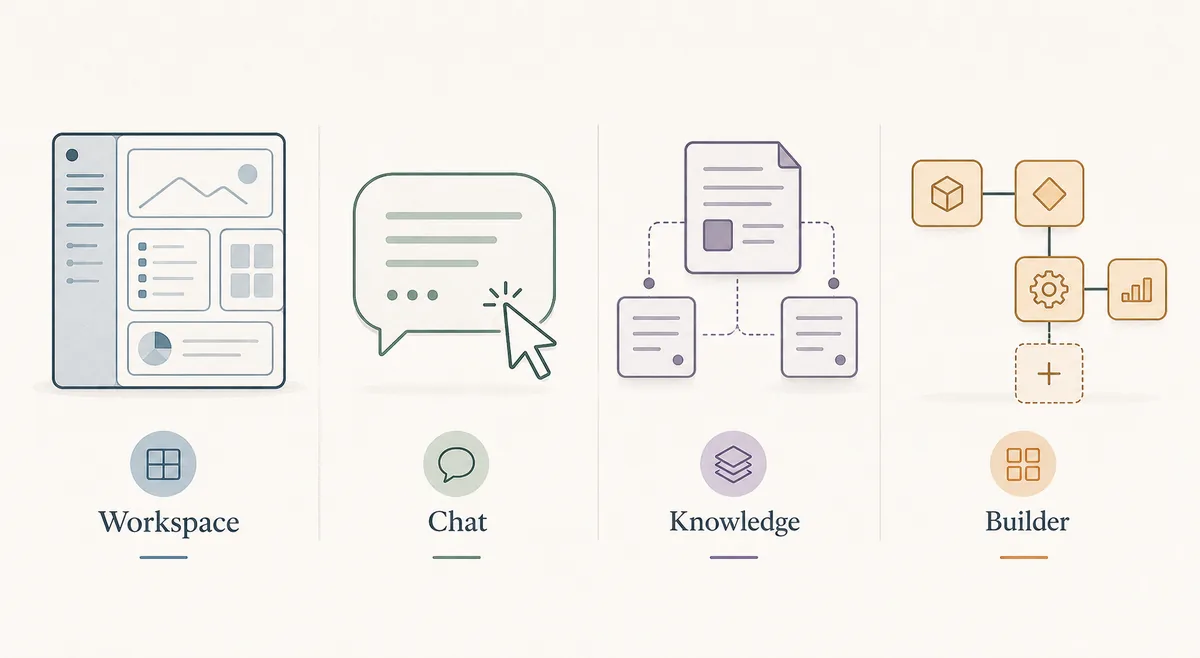
These tools overlap, but they are not interchangeable. Odysseus AI is interesting when you want a self-hosted workspace layer around agents, documents, research, and services. Open WebUI is commonly chosen as a chat-first local model interface. AnythingLLM is often evaluated by people who want document-centered private knowledge work. Dify fits builders who need visual workflow and app deployment concepts.
The right answer can still be two layers. For example, a user may keep Ollama as the model runtime, test Odysseus AI as the workspace, and avoid exposing either service beyond localhost until credentials and network rules are intentional.
| Option | Best for | Tradeoff | Fit for local agent dashboard |
|---|---|---|---|
| Odysseus AI | A self-hosted workspace that combines chat, agents, documents, research, notes, and service settings. | More setup decisions than a simple chat UI. | Strong when you want one local work surface rather than only a model chat box. |
| Open WebUI | A polished local chat surface, especially for users already running Ollama. | Agent and workspace breadth depends on the features you actually configure. | Strong for chat-first local LLM use. |
| AnythingLLM | Private document collections, workspace knowledge bases, and retrieval-heavy use. | Less ideal if your main need is a broad agent operating layer. | Strong for file-centered local AI work. |
| Dify | Teams or builders creating app-style LLM workflows, pipelines, and reusable experiences. | Can be heavier than needed for a personal local dashboard. | Strong for productized workflows, not just personal use. |
| Ollama alone | Serving local models and testing prompts through APIs or a minimal interface. | Not a dashboard or workspace by itself. | Necessary model layer for many setups, but incomplete as the user-facing workspace. |
When Odysseus AI is the right local workspace layer
Odysseus AI makes the most sense when your problem is not only running a model. It is a better candidate when you want a self-hosted workspace that can sit around model providers, files, agents, and research-oriented flows. That makes it a different decision from choosing a model runtime.
It is less compelling if your whole requirement is typing prompts into a local model with almost no document handling, no agent workflows, and no need for a broader workspace. In that case, a lighter chat UI can be the more pragmatic first install.
For privacy-sensitive work, Odysseus AI should still be treated like real infrastructure. Self-hosted software reduces some hosted-service concerns, but it does not automatically solve credential hygiene, unsafe ports, backups, or local endpoint exposure.
Good Odysseus AI fit
You want a local-first workspace where agents, documents, research, settings, and model endpoints can be managed in one place.
- You already know or are willing to learn the difference between model runtime, dashboard, and reverse proxy.
- You plan to use local models through Ollama or another OpenAI-compatible endpoint.
- You want document and research workflows, not only a single chat box.
- You are comfortable checking logs, ports, environment files, and update steps.
- You will keep the first install on localhost until authentication and data storage are understood.
A safe local setup plan for testing any dashboard
Do not install four dashboards in the same evening and then try to debug all of them together. Use one clean test plan. Prove the model layer first, then the dashboard, then file or agent features, then network exposure if you truly need it.
The plan below works whether you test Odysseus AI or another local AI dashboard. The exact commands differ by project, but the order of proof stays the same.
1. Prove the model runtime
Start Ollama, LM Studio, or the model server you intend to use. Confirm it responds before connecting a dashboard.
ollama list
ollama run llama3.2
2. Install one dashboard at a time
Use the official repository or documentation. Avoid mixing copied commands from different versions.
3. Keep the first session local
Open the dashboard on localhost, change generated credentials, and avoid tunnels or public ports during first setup.
4. Add one real workflow
Upload a small non-sensitive document, configure one model endpoint, and test one agent or retrieval workflow before migrating private data.
5. Record storage and backup paths
Find where conversations, uploads, embeddings, and configuration live. A dashboard is not ready for real use until you know what must be backed up.
Common local AI dashboard mistakes
Most failures come from mixing layers: treating Ollama as a workspace, treating a dashboard as a model runtime, or treating localhost software as safe for the public internet. These mistakes are avoidable if you test each layer separately.
| Mistake | What happens | Better move |
|---|---|---|
| Choosing by screenshots | The UI looks good but lacks the workflow depth you need. | Compare by model routing, files, agents, storage, and maintenance. |
| Publishing ports too early | A private workspace becomes reachable before credentials and data paths are reviewed. | Keep localhost first; add reverse proxy and authentication deliberately. |
| Debugging prompts before endpoint health | You chase model behavior when the dashboard cannot reach the backend. | Test the model endpoint independently, then connect it in dashboard settings. |
| Ignoring backups | A rebuild or update can remove chats, uploads, or configuration. | Identify volumes, database files, and export paths before real use. |
| Installing a team platform for a personal notebook | You inherit maintenance without using the platform features. | Pick the smallest dashboard that still supports the workflow you actually need. |
Local AI agent dashboard FAQ
Sources and official docs
- Official Odysseus AI GitHub repository - Primary source for Odysseus AI setup files, README updates, and project status.
- Open WebUI documentation - Official documentation for the chat-focused local AI interface and deployment options.
- AnythingLLM documentation - Official documentation for workspace, document, and local LLM features.
- Dify documentation - Official documentation for open-source LLM app and workflow building.
- Ollama documentation - Reference for local model server behavior and API endpoints.
Related Odysseus AI guides
- PewDiePie AI explained - Start here if you are still confirming what Odysseus AI is.
- Odysseus AI Ollama setup - Use this after choosing a dashboard and preparing the local model endpoint.
- Odysseus AI Docker setup - Run the Docker Compose path with ports, logs, volumes, and safe exposure checks.
- Odysseus AI Windows setup - Windows-specific setup notes for WSL2, Docker Desktop, firewall prompts, and endpoints.
Last updated: June 25, 2026
Back to Odysseus AI Wiki