PewDiePie AI Explained: What Odysseus AI Is Before You Install It
People searching for PewDiePie AI are usually trying to identify the Odysseus AI project, decide whether it is a real self-hosted workspace, and understand the tradeoffs before following a random install tutorial.

In this guide
The phrase PewDiePie AI is noisy because it mixes creator curiosity, GitHub navigation, and local AI setup intent. For this site, the practical interpretation is Odysseus AI: a self-hosted AI workspace associated with the pewdiepie-archdaemon GitHub repository. This guide gives the orientation page that many searchers need before they copy Docker commands, edit model endpoints, or expose a local service on a network.
What does PewDiePie AI mean in practice?
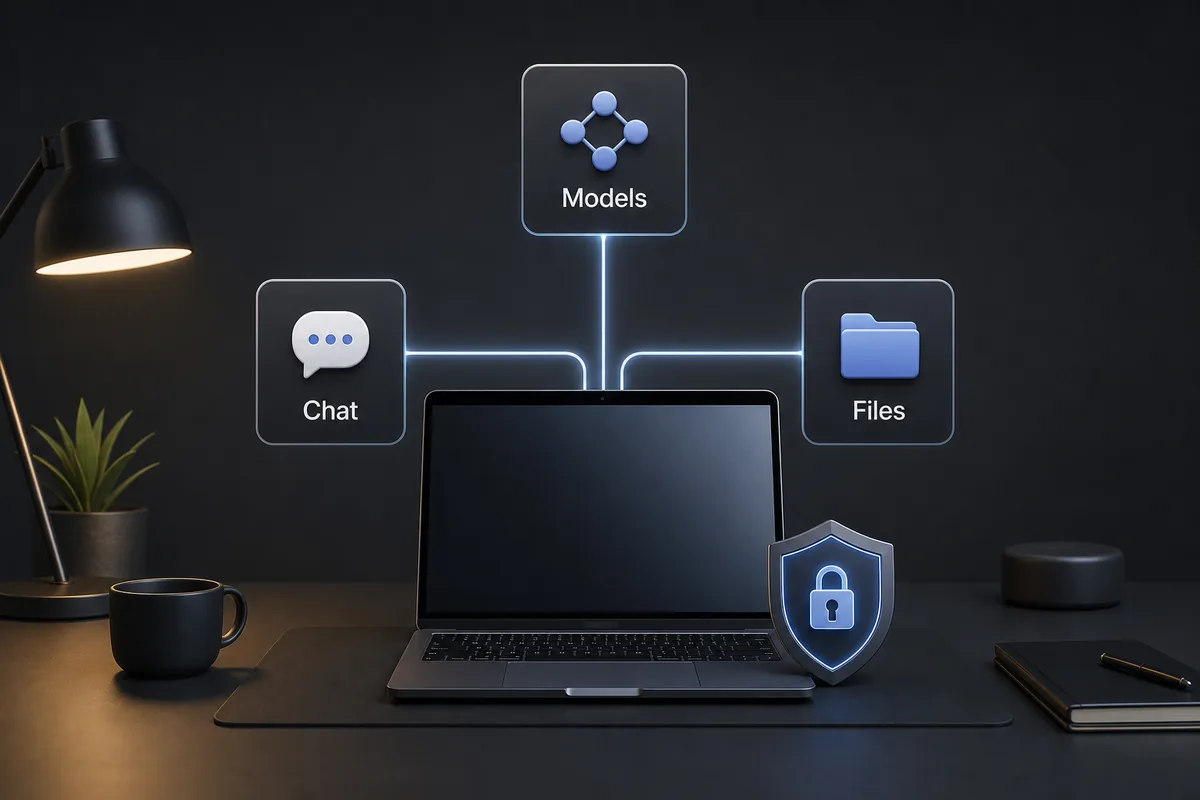
In practical search terms, PewDiePie AI usually points to Odysseus AI rather than a separate hosted chatbot. The public project is framed as a self-hosted workspace: a local interface where users can configure model providers, work with chat and agents, organize documents, and explore research-style workflows from their own machine.
That framing matters because it changes the evaluation. You should not judge it like a one-click consumer assistant. You should judge it like local software: what it installs, which ports it opens, how authentication is handled, what model backend it expects, and whether the official README currently matches your operating system.
The safest starting point is to treat this page as orientation, then verify every command on the official GitHub repository before running it. Odysseus AI is moving software, and local AI setups often change faster than third-party tutorials can keep up.
Best first click
Open the official GitHub repository first, then use this wiki to decide which setup path and risk checks apply to your machine.
Do not mix PewDiePie AI with unrelated Odysseus or Odyssey searches
Keyword tools show why this topic needs a clarification page. Similarweb surfaces strong demand for “pewdiepie ai,” but broad Odysseus and Odyssey terms quickly drift into Greek literature, paintings, golf putters, and unrelated brands. A useful page must keep those boundaries explicit.
If you searched for PewDiePie AI because you saw a repository, video mention, or community discussion, you likely want the software project and its setup implications. If you searched for Odyssey AI, you may be in a different product category entirely. The table below separates those intents before you waste time on the wrong page.
| Search phrase | Likely intent | Best next step |
|---|---|---|
| pewdiepie ai | Find or understand the Odysseus AI project connected to the pewdiepie-archdaemon GitHub namespace. | Read this overview, then verify the official repository and install notes. |
| pewdiepie odysseus ai | Understand whether Odysseus AI is the project people are calling PewDiePie AI. | Compare the project description, GitHub source, and setup paths before installing. |
| odyssey ai | Often unrelated; keyword data includes golf products and other brands. | Check the spelling and context before assuming it means Odysseus AI. |
| odysseus ai install | Install the workspace on Docker, Windows, macOS, or Apple Silicon. | Use the homepage quick start or the platform-specific setup guide. |
Who should try Odysseus AI?
Odysseus AI is most interesting for users who want control over a local AI workspace rather than a closed subscription interface. That can include people testing local models, developers who want an inspectable project, and power users who want documents, notes, research, and agents in one environment.
It is less attractive if you want a polished hosted app with no setup decisions. A self-hosted workspace asks you to think about ports, credentials, model endpoints, storage, and updates. Those details are not defects; they are the cost of local control.
| User type | Why it may fit | Caution |
|---|---|---|
| Local model experimenter | You already use Ollama or another model backend and want a workspace around it. | Model routing still needs correct endpoints and enough hardware. |
| Developer or homelab user | Docker, scripts, environment files, and self-hosted services are familiar territory. | Do not expose the app broadly until auth, firewall, and reverse proxy behavior are deliberate. |
| Document-heavy AI user | The workspace direction can be useful when you want files, notes, and research close to chat. | Check privacy expectations and storage behavior before adding sensitive documents. |
| Casual consumer user | It may still be interesting as a learning project. | A hosted assistant is simpler if you do not want setup, updates, or troubleshooting. |
How PewDiePie AI compares with common local AI choices
The main comparison is not “which model is smartest.” Odysseus AI is a workspace layer. It can sit around model providers, files, agents, and research flows, while tools such as Ollama focus on serving models. Confusing those layers leads to bad setup advice.
Think of the stack in layers: the model runtime serves the model, the workspace gives you a user-facing operating surface, and your network/security choices decide who can reach it. Odysseus AI belongs mostly in the workspace layer.
| Option | Strength | Tradeoff |
|---|---|---|
| Odysseus AI | Self-hosted workspace for chat, agents, documents, research, and service configuration. | Requires local setup choices and careful network handling. |
| Ollama alone | Simple local model serving and model management. | Not a full workspace by itself; you still need an interface and workflow layer. |
| Hosted AI chat app | Fastest path for casual prompting and no local maintenance. | Less control over data locality, model routing, and self-hosted customization. |
| DIY scripts | Maximum control for developers building a custom workflow. | More maintenance and less ready-made workspace structure. |
Before you install PewDiePie AI / Odysseus AI
A good first install is boring: it starts locally, uses official commands, changes temporary credentials, and proves the model endpoint separately before debugging higher-level features. Most frustrating setup failures come from skipping one of those steps.
Use this checklist before you follow a video, forum comment, or copied command block. It keeps the first session focused on verification rather than guesswork.
- Confirm you are on the official GitHub repository before cloning or running scripts.
- Choose one setup path: Docker, Windows native, macOS native, Apple Silicon, or Linux native.
- Keep the first run on localhost unless you intentionally configured authentication and network exposure.
- Change any generated or temporary admin password after first login.
- If you plan to use Ollama, verify Ollama works by itself before connecting it inside Odysseus AI.
- Record which port the app actually uses, because platform paths can differ.
- Avoid adding private files until you understand where workspace data is stored.
Treat local AI like real infrastructure
Self-hosted does not automatically mean safe. It becomes safer when you verify source, credentials, ports, data storage, and update habits before using the workspace for sensitive work.
2026 intent boundary: what this page should and should not answer
Search demand around PewDiePie AI is navigational and confusing. The useful scope for this page is to explain the Odysseus AI workspace, point readers to official sources, and route setup questions to the more specific install guides.
It should not compete with the Ollama endpoint guide or the Mac setup guide. Those pages own the detailed install steps; this page owns the project-orientation query.
| Query cluster | This page answers | Send deeper setup to |
|---|---|---|
| pewdiepie ai | What the search nickname likely means and how to verify the repository. | Official GitHub repository and homepage guide. |
| pewdiepie odysseus ai | How Odysseus AI fits as a self-hosted workspace. | Platform-specific setup articles. |
| odysseus ai ollama | Only the high-level relationship between workspace and model runtime. | The dedicated Ollama endpoint setup page. |
- Keep the page focused on orientation, source verification, privacy expectations, and install-readiness checks.
- Avoid taking over detailed Mac, Docker, or Ollama keywords that sibling pages already cover.
- Use internal links to move readers into the correct setup path once they understand the project.
PewDiePie AI FAQ
Sources and checks
- Official Odysseus AI GitHub repository - Primary source for current README, setup commands, issues, and source code.
- Official Odysseus landing page - Public product tour and module positioning.
- Docker Desktop networking documentation - Reference for host.docker.internal and local container networking behavior.
- Ollama API documentation - Reference for local model server behavior when connecting model endpoints.
Related guides
- Odysseus AI Windows setup - Use this Windows guide for WSL2, Docker Desktop, Ollama endpoints, ports, and firewall checks.
- Odysseus AI Ollama setup - Detailed endpoint and local-model connection guide.
- Odysseus AI macOS setup - Native Apple Silicon, Docker, and Mac safety notes.
- Official Odysseus README - Confirm the upstream repository before installing.
Last updated: June 17, 2026
Back to Odysseus AI Wiki