Odysseus AI macOS Setup: Apple Silicon, Docker, and Ollama Notes
A practical Mac setup guide for Odysseus AI covering the native Apple Silicon path, when Docker still makes sense, where Ollama fits, and what to verify before exposing the workspace.

In this guide
Mac users usually arrive at Odysseus AI with two different goals. Some want the fastest clean install, so Docker looks attractive. Others have an M-series Mac, Ollama, and local models already running, so they care more about GPU acceleration, endpoint clarity, and avoiding container networking mistakes. This guide separates those goals before you start changing ports, environment files, or model settings.
Choose the Mac path by what you want to prove first
If you only want to see the Odysseus AI workspace start, Docker is a good controlled path because it keeps dependencies contained and mirrors the general quick-start flow. If you want the Mac to use local model runtimes smoothly, especially on Apple Silicon, the native macOS path is often the better first test because it avoids one layer of Docker networking and better matches how Ollama commonly runs on a Mac.
The important point is not that one path is universally better. It is that each path answers a different question. Docker answers whether the app launches in a reproducible container. The native Apple Silicon path answers whether this Mac can run the workspace near the same environment where local models and files already live.
Native macOS starting point from the project flow
git clone https://github.com/pewdiepie-archdaemon/odysseus.git
cd odysseus
./start-macos.sh
Native Apple Silicon setup: verify the environment before model routing
The native macOS route matters because Apple Silicon users are often trying to keep local model tooling close to the workspace. Do the boring checks first: confirm the repository is current, the script is executable, Python dependencies install cleanly, and the browser opens the expected local port before you start editing service settings.
A clean first launch should produce a reachable local Odysseus AI web UI, then ask you to finish setup and sign in. Treat generated passwords and local secrets as temporary operational details, not as text to paste into screenshots or public issue comments.
1. Clone the official repository and enter the project
Use the official repository as the source of truth for setup scripts, issues, and README changes. Avoid random copied command snippets when they disagree with the current repo.
git clone https://github.com/pewdiepie-archdaemon/odysseus.git
cd odysseus
2. Run the macOS launcher and watch the first error carefully
The first failure usually tells you whether the issue is permissions, Python, dependencies, or a port conflict. Fix that layer before changing model endpoints.
chmod +x ./start-macos.sh
./start-macos.sh
3. Open the local UI and complete initial login
If the app starts on a documented local port, use that address in the browser and replace any temporary admin credential according to the app's current prompts.
http://127.0.0.1:78604. Only then configure model and service settings
After the workspace itself is healthy, connect Ollama or another model provider inside Settings. Debugging model routing before the app is healthy hides the real problem.
http://127.0.0.1:11434/v1Docker on macOS: useful isolation, but know the tradeoff
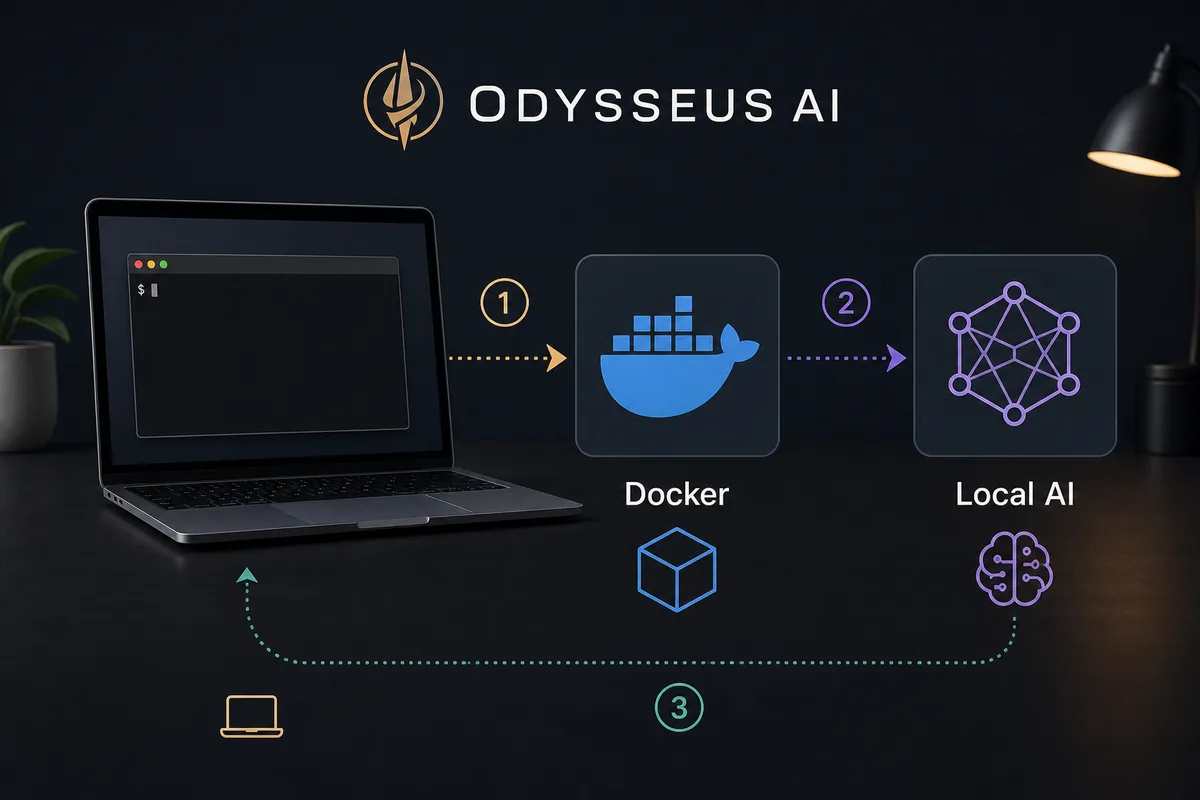
Docker is still a valid Mac path when your goal is a disposable test, a predictable dependency boundary, or parity with a server-style deployment. It is less ideal when your main goal is to use Mac-local model acceleration without thinking about container-to-host networking.
The most common Mac mistake is mixing the native and Docker mental models. Inside a container, localhost is the container. On the host Mac, localhost is the Mac. That single difference explains many model endpoint failures.
| Choice | Best for | Watch this |
|---|---|---|
| Native Apple Silicon | Local model workflows, fewer networking layers, easier Ollama pairing | You must keep Python and local dependencies healthy on the Mac. |
| Docker on macOS | Clean trial runs, isolated dependencies, deployment-like testing | Use host.docker.internal when a container must reach Ollama on the host. |
| Remote Linux host | Always-on workspace, server GPUs, team access | Do not expose the app before auth, firewall, and reverse proxy rules are deliberate. |
Ollama, Metal acceleration, and the endpoint decision
Ollama is normally a separate model server, not something Odysseus AI automatically becomes. On a Mac, that separation is helpful: you can keep Ollama running where it already uses the Mac's local runtime behavior, then point Odysseus AI at the compatible API endpoint.
Use 127.0.0.1 when both Odysseus AI and Ollama run natively on the same Mac. Use host.docker.internal when Odysseus AI runs in Docker and Ollama runs on the Mac host. Do not expose Ollama to the LAN just to make a local container work until you understand what can reach that port.
Native Mac Odysseus AI to local Ollama endpoint
http://127.0.0.1:11434/v1Troubleshooting Odysseus AI on macOS
Work from startup to networking to model selection. If the UI is not healthy yet, model errors are probably secondary. If the UI is healthy but prompts fail, test the model endpoint directly before changing multiple settings.
| Symptom | Likely cause | Fix |
|---|---|---|
| The macOS script will not run | Missing execute permission, shell policy, or dependency setup failure. | Run chmod +x on the script, start it from the repo root, and read the first dependency error instead of rerunning blindly. |
| Browser cannot open the local UI | The app is not listening yet or the expected port is occupied. | Check the terminal output, try the documented local port, and stop any unrelated process using that port. |
| Ollama works in Terminal but not in Odysseus AI | The endpoint does not match native versus Docker networking. | Use 127.0.0.1 for native-to-native, or host.docker.internal for Docker-to-host. |
| The first prompt is very slow | The model is loading, too large, or memory pressure is high. | Test a smaller model first and verify Ollama responds before testing agents or documents. |
| You want to open Odysseus AI from another device | Local-only binding and security defaults are doing their job. | Plan authentication, firewall, and reverse proxy rules before binding to all interfaces. |
Final verification checklist for a Mac install
A Mac setup is ready for real testing only after the workspace, model endpoint, and safety boundary are all clear.
- The Odysseus AI web UI opens from a local browser after a fresh launch.
- You know whether this run is native, Docker, or remote, and the endpoint matches that choice.
- Ollama responds separately before Odysseus AI tries to use it.
- A small model works before you test larger agents, research, or documents.
- The workspace is not exposed to the LAN or internet until auth and network rules are deliberate.
Keep the first Mac install local
The easiest secure default is to keep Odysseus AI and Ollama on localhost while you learn the setup. Convenience changes such as LAN binding, reverse proxies, or all-interface listeners should come after the app works locally.
2026 Mac verification notes
The Mac decision is mostly about where the workspace and model runtime run. Native Apple Silicon reduces one network layer, while Docker gives a cleaner app sandbox but requires clearer host routing.
Use this quick matrix when a Mac install launches but model calls fail, because that usually means the UI path and the model endpoint path are being debugged at the same time.
| Mac path | Best endpoint assumption | Verification step |
|---|---|---|
| Native Apple Silicon | Use http://127.0.0.1:11434/v1 for local Ollama. | Test Ollama separately, then configure Odysseus settings. |
| Docker on macOS | Use http://host.docker.internal:11434/v1 for host Ollama. | Confirm Docker can reach the host before changing model tags. |
| Remote or LAN access | Keep localhost until auth, firewall, and reverse proxy behavior are deliberate. | Do not bind broadly just to solve a local setup issue. |
- Treat the official GitHub repository as the command source of truth.
- Debug app startup before model endpoints, and model endpoints before agent workflows.
- Keep screenshots and support logs free of generated passwords or local secrets.
Odysseus AI macOS FAQ
Sources and official references
- Official Odysseus AI GitHub repository - Current setup scripts, README guidance, issues, and repository changes.
- Official Odysseus landing page - Public feature tour and workspace positioning.
- Ollama API documentation - Local model API behavior and endpoint reference.
- Docker Desktop networking documentation - host.docker.internal and container-to-host networking behavior.
Related Odysseus AI setup guides
- Odysseus AI Windows setup - Use this Windows guide for WSL2, Docker Desktop, Ollama endpoints, ports, and firewall checks.
- Odysseus AI Ollama setup - Use the endpoint guide when local models are the next step.
- PewDiePie AI / Odysseus AI explained - Clarify the project and setup expectations before installing.
- Official Odysseus README - Verify current Mac commands upstream.
Last updated: June 17, 2026
Back to Odysseus AI Wiki