Local AI Coding Agent: Build a Safe Odysseus AI Workflow Before You Let It Touch Code
A practical guide to using Odysseus AI as the workspace layer around a local model, a real repository, command permissions, and review checkpoints.

In this guide
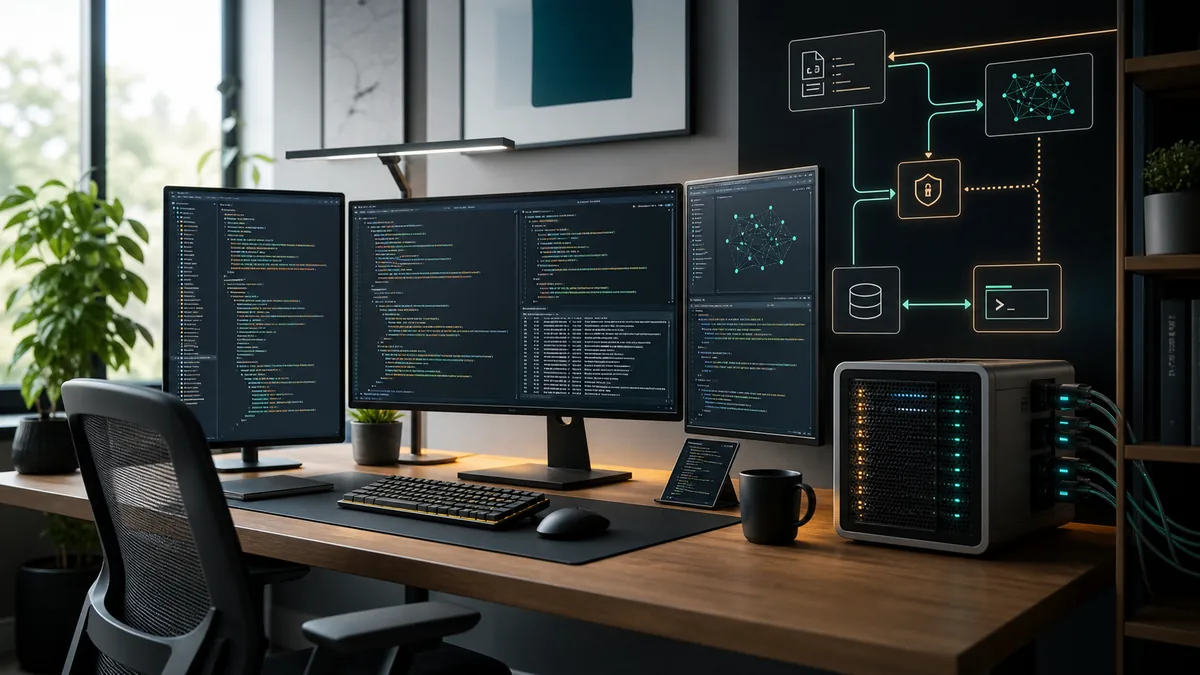
Searches for a local AI coding agent usually mean something more specific than a chatbot that can write snippets. The useful version can inspect a repository, explain changes, draft patches, run tests when allowed, and keep private code close to your machine. That makes the setup more sensitive than a normal local AI dashboard: the agent may see source code, secrets, logs, and command output, so the first design question is control, not speed.
Start with the job: coding assistant, not autonomous maintainer
A local AI coding agent should help you reason about code, plan edits, generate patches, and verify results. It should not begin life with unrestricted shell access or a habit of changing files without review. The safest early setup is a helper that can read the repository, answer architectural questions, and propose small changes before you let it run commands.
Odysseus AI is relevant because it is a self-hosted workspace layer. It can sit above model endpoints, documents, research-oriented flows, and settings. For coding use, that means you can treat it as the work surface while keeping the model runtime separate. Ollama, LM Studio, llama.cpp servers, or hosted OpenAI-compatible endpoints remain the model layer; the coding workflow is the layer that decides what repository context, tools, and permissions the model receives.
The important boundary is simple: a coding model can suggest a patch, but your workflow decides when a file is written, when a command runs, and when a change is committed. That boundary keeps a local agent useful without turning it into an unreviewed automation script.
Practical rule
Give the agent context before power. Let it read and explain first, then add write and command permissions one controlled step at a time.
The local AI coding agent architecture
Think of the system as four layers. The model runtime produces language and code. The workspace or dashboard manages conversations, files, and settings. The repository is the project boundary. The execution layer is where commands, tests, scripts, and Git operations happen. Problems usually appear when those layers are blurred.
A clean architecture lets you swap models without changing the repository policy. It also lets you test Odysseus AI as the workspace while keeping Ollama or another runtime on localhost. If a model is slow, inaccurate, or too small for a task, you can change the endpoint without giving the agent broader file permissions.
| Layer | Purpose | Safe first setting | Risk if skipped |
|---|---|---|---|
| Model runtime | Runs the coding-capable model and exposes an endpoint. | Start on localhost with one known model. | You debug agent behavior when the model endpoint is actually broken. |
| Workspace | Holds conversations, documents, settings, and task context. | Use Odysseus AI or another dashboard with explicit endpoint settings. | The assistant sees too little context or stores data where you did not expect. |
| Repository boundary | Defines what code the agent may inspect or modify. | Open one non-sensitive repo first. | Secrets, unrelated folders, or generated files leak into prompts and patches. |
| Execution layer | Runs tests, formatters, package managers, and Git commands. | Require human approval for write and shell actions. | A bad command can modify files, install packages, or expose data before review. |
Setup checklist before connecting code
Do not begin with your most valuable private repository. Create a small test project or use a low-risk repo where you can verify model quality, path handling, and command behavior. The point is to prove the workflow before the workflow sees sensitive code.
The checklist below is intentionally conservative. It works for Odysseus AI, a terminal coding agent, or another local AI dashboard because it focuses on boundaries rather than one product's current UI.
- Confirm your model endpoint independently with a simple prompt before opening the dashboard.
- Create a dedicated workspace folder and avoid mounting your whole user directory.
- Remove .env files, API keys, database dumps, and private logs from the first test context.
- Keep the dashboard and model endpoint on localhost during initial setup.
- Know where chats, uploaded files, embeddings, and configuration are stored.
- Make sure Git status is clean before you ask the agent to propose edits.
- Run tests and formatters manually once so you know the baseline result.
Permission gates matter more than model size
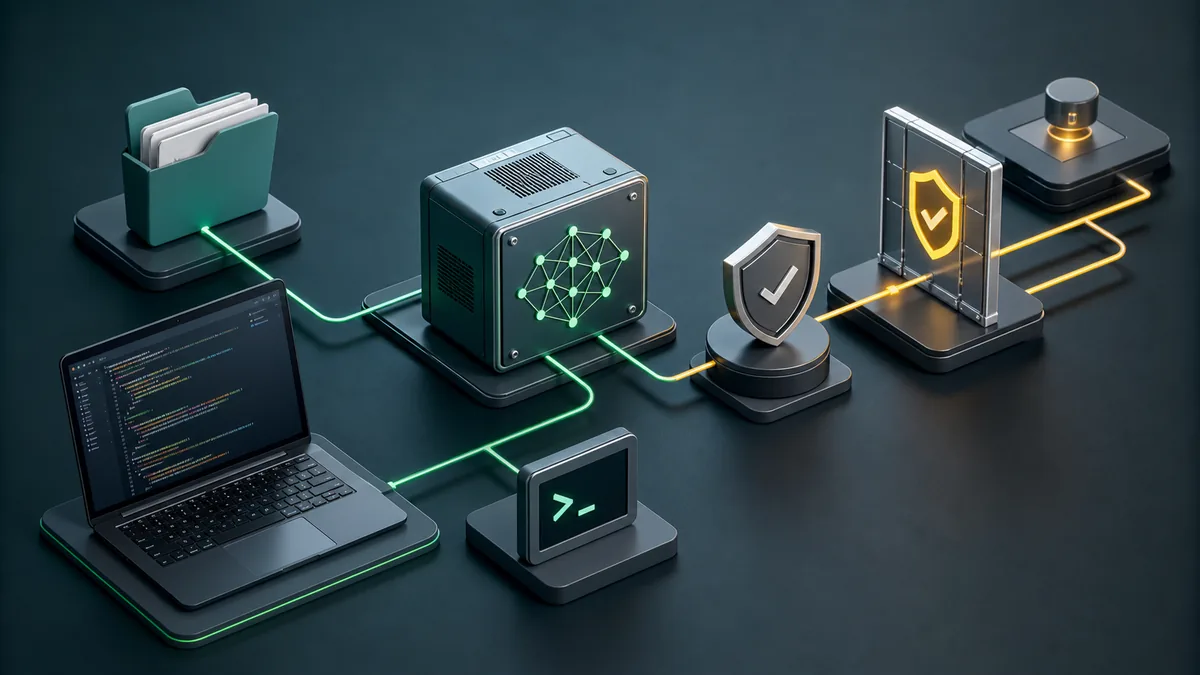
A larger model can produce better patches, but permissions decide the blast radius. A local coding agent with unrestricted terminal access can still run destructive commands, leak files into logs, or mix generated outputs with source changes. Approval gates are not bureaucracy; they are the mechanism that keeps the assistant inside the task boundary.
For early use, separate read, write, execute, and Git permissions. Reading files is usually the lowest risk. Writing files should be limited to the project. Running commands should be explicit and visible. Git commit and push should remain human-reviewed until the workflow has proven itself on small changes.
| Permission | Start with | Allow later when |
|---|---|---|
| Read repository | A small project folder without secrets. | You have a .gitignore, clean status, and clear context boundaries. |
| Write files | One scoped change at a time. | The agent can explain the patch and you can review the diff. |
| Run commands | Read-only checks or known test commands. | You understand the command and it stays inside the project. |
| Install packages | Avoid during first tests. | A dependency change is part of the task and lockfile changes are reviewed. |
| Commit and push | Manual only. | Validation passed and the diff contains only intended files. |
A daily workflow that keeps the agent useful
The best local AI coding agent habit is boring and repeatable. Give it a small goal, let it inspect the relevant files, ask for a plan, approve the edit boundary, run targeted validation, and review the diff. This rhythm makes the assistant faster without hiding the engineering decision from you.
Use Odysseus AI or your chosen workspace for planning, repository notes, and model routing. Use the terminal or controlled execution layer for commands. Keep generated artifacts, screenshots, browser profiles, caches, and build outputs separated unless the project convention requires committing them.
-
State the change boundary
Name the feature, bug, or file area. Avoid broad prompts like 'clean up the repo' until the agent has proven itself.
-
Let the agent inspect before editing
Ask for existing patterns, routes, tests, and build commands. Good coding assistance starts with context.
-
Approve a narrow edit
Small patches are easier to review and revert. Keep unrelated refactors out of the first pass.
-
Run targeted checks
Use the project's real build, tests, linters, or browser checks. Do not accept a patch that was never exercised.
-
Review Git status before publishing
Generated files, caches, profiles, and build artifacts need explicit handling. Commit only what belongs to the task.
Common mistakes with local AI code agents
Most failures come from giving the agent too much surface area too early. A coding assistant is safest when it works inside a known project with known commands and visible diffs.
| Mistake | Why it hurts | Better move |
|---|---|---|
| Mounting the whole home folder | The agent can read unrelated files and secrets. | Open only the target workspace. |
| Skipping baseline tests | You cannot tell whether the agent broke something or inherited a failing project. | Run the project's normal checks before edits. |
| Letting the model choose commands blindly | Package installs, migrations, or cleanup commands may have side effects. | Approve each command and keep it project-scoped. |
| Committing generated clutter | Caches and profiles pollute source history and CI. | Inspect git status and ignore temporary validation artifacts. |
| Confusing model quality with workflow safety | A smart model can still act on bad permissions. | Keep approval gates even when the model is strong. |
Local AI coding agent FAQ
Sources and official docs
- Official Odysseus AI GitHub repository - Primary source for current project files, setup notes, and workspace positioning.
- Ollama API documentation - Reference for local model server endpoints used by many self-hosted workflows.
- Git documentation - Reference for repository, diff, commit, and status behavior in coding workflows.
- OpenAI Model Context Protocol overview - Useful background for tool/context boundaries in agentic workflows.
Related Odysseus AI guides
- Local AI agent dashboard - Choose the workspace layer before building a coding workflow.
- Odysseus AI Ollama setup - Connect Odysseus AI to a local model endpoint without localhost confusion.
- Odysseus AI Docker setup - Use Docker Compose, volumes, ports, and safe local defaults.
- Odysseus AI Windows setup - Handle WSL2, Docker Desktop, firewall prompts, and local endpoints on Windows.
Last updated: June 29, 2026
Back to Odysseus AI Wiki