OpenCode Ollama Setup: Configure the Provider Step by Step
Connect OpenCode to Ollama without mixing up the provider, base URL, model tag, context window, or repository permissions.

In this guide
- Quick start: launch OpenCode through Ollama
- What each layer does before you configure it
- What ollama launch changes for OpenCode
- Manual opencode.json configuration
- Set enough context for repository work
- Choose a model by workload, not by leaderboard
- Troubleshoot the connection in the right order
- Use a safe first coding task
- OpenCode Ollama FAQ
The useful way to approach an OpenCode Ollama setup is to separate provider configuration from model selection. OpenCode is the coding-agent interface, Ollama serves the local model, and the config must point to a model that exists in the same runtime you are testing. This guide keeps those boundaries visible while covering launcher, manual config, context, provider errors, and a safe first repository task.
Start the OpenCode Ollama setup with one provider path
The phrase OpenCode Ollama setup usually hides three decisions: how OpenCode discovers Ollama, which base URL it uses, and which model tag it should request. Change one value at a time so a provider error does not become a model-selection mystery.
If the launcher creates the provider entry for you, inspect the generated configuration before adding another provider. If you use manual config, keep the first test to one local model and one repository with no sensitive files.
OpenCode Ollama provider and model requirements
Before editing opencode.json, confirm that Ollama is running, the chosen model appears in ollama list, and the OpenCode process can reach the same Ollama endpoint. A valid provider name cannot compensate for an unavailable model or the wrong network namespace.
For a small local test, choose a model that leaves memory for the editor, repository context, and the operating system. The best model is the one that completes a real coding task reliably, not simply the largest tag.
What ollama launch changes for OpenCode
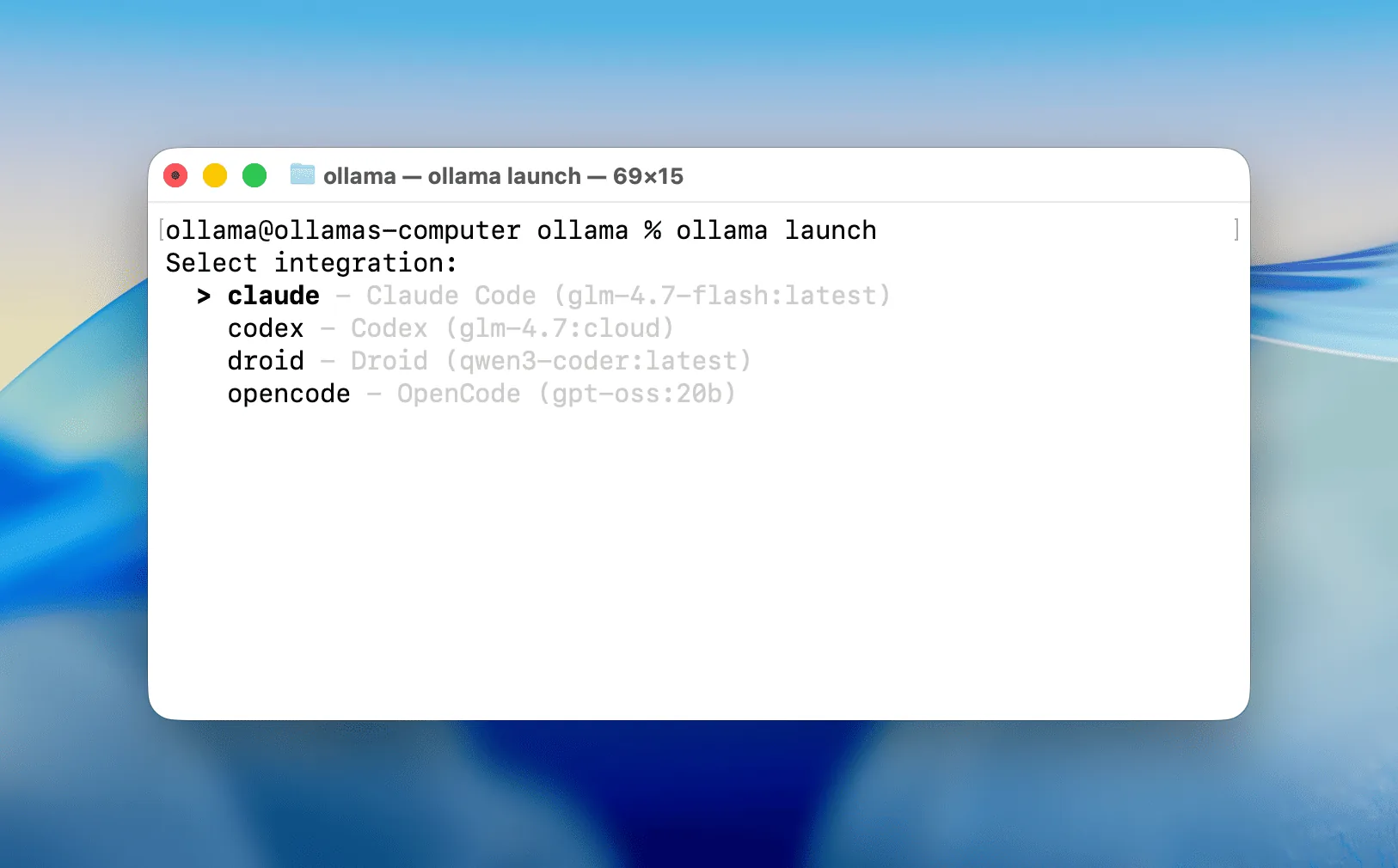
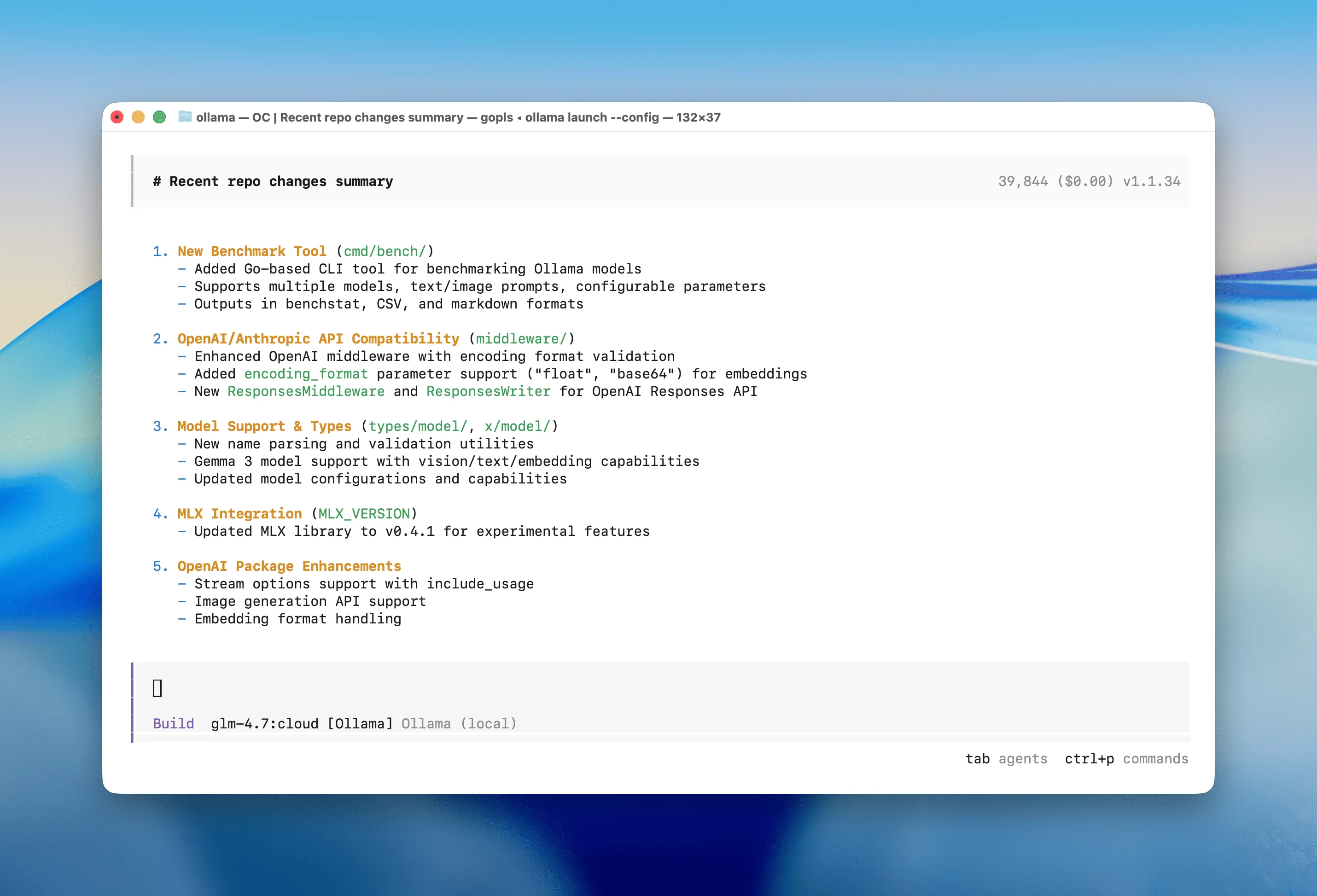
The interactive ollama launch menu lists supported coding integrations and their suggested models. Selecting OpenCode prepares the connection so the interface can send repository context and prompts to an Ollama-backed model.
A successful launch does not prove that every model fits your machine. Local inference consumes RAM or VRAM and context cache; cloud models reduce local hardware pressure but require internet access and send prompts to the selected remote service.
Manual OpenCode Ollama config: provider, base URL, and model
Manual configuration is useful when the launcher does not create the provider you need or when you want the config to be reviewable. Keep the provider key, base URL, and model tag explicit, then test the smallest request before adding tools or larger context.
Treat the model tag as a verified value from ollama list. If the tag is wrong, changing context length or permissions will not fix the request.
{
  "$schema": "https://opencode.ai/config.json",
  "provider": {
    "ollama": {
      "npm": "@ai-sdk/openai-compatible",
      "name": "Ollama (local)",
      "options": { "baseURL": "http://localhost:11434/v1" },
      "models": { "your-model": { "name": "your-model" } }
    }
  }
}
Set context after the OpenCode Ollama connection works
A large context window is a separate optimization from the OpenCode Ollama provider connection. First prove that the selected model answers; then increase context only when memory and response time remain acceptable.
For the first example, ask OpenCode to inspect one small file, explain the change, and show a patch before allowing a write. This makes the provider, model, and repository permission boundaries observable.
FROM your-model
PARAMETER num_ctx 65536
Choose an Ollama model for OpenCode
Model choice depends on RAM, context, coding ability, and latency. Compare the model class against the local machine rather than treating a high parameter count as a guarantee of a better OpenCode workflow.
| Situation | Best first choice | Reason |
|---|---|---|
| Limited RAM or integrated graphics | Smaller local coding model | Leaves headroom for context, editor, and tests |
| Strong GPU or ample unified memory | Larger local coding model | Better reasoning may be practical when latency stays acceptable |
| Large repository or difficult refactor | Ollama cloud model | Avoids local model memory limits; requires internet |
| Sensitive repository | Local model with narrow permissions | Keeps inference local and reduces command risk |
Troubleshoot OpenCode Ollama provider and config errors
When OpenCode cannot call Ollama, check the provider key, base URL, model tag, Ollama process, and runtime network in that order. If a native endpoint works in a terminal but fails from a container or remote process, the endpoint must be changed for that runtime.
When the provider connects but the response is empty or invalid, verify the exact model tag and reduce the request before changing the context window.
Run a safe first task after OpenCode Ollama setup
After the OpenCode Ollama setup passes, start with a read-only repository task. Ask for an explanation, proposed patch, and test plan; review the diff before allowing any write or shell action.
Use the existing local coding-agent and memory guides when the next decision is broader than provider configuration. This page should remain the focused OpenCode plus Ollama setup path.
OpenCode Ollama setup FAQ
Official setup sources
- Ollama OpenCode integration - Official quick launch, manual provider configuration, and context guidance.
- Ollama launch announcement - Official launcher behavior and supported coding integrations.
- OpenCode Ollama provider docs - Official provider configuration and troubleshooting.
- Ollama context length docs - Official context sizing guidance for coding tools and agents.
Related local coding and Ollama guides
- Local AI coding agent workflow - Move from provider setup to repository context, permissions, patches, tests, and review.
- Best local coding model for 16GB RAM - Choose a model class that leaves memory for the complete OpenCode workflow.
- Cursor and Ollama coding agent - Compare an editor-first workflow with the OpenCode terminal approach.
- Odysseus AI Ollama setup - Compare Docker-to-host and native Ollama endpoints when the wider workspace is part of the stack.
- OpenCode vs Ollama comparison - Compare the coding-agent workflow with the local model runtime before configuring a provider.
Last updated: August 13, 2026
Back to Odysseus AI Wiki