LibreChat vs Open WebUI: Which Self-Hosted AI Interface Should You Choose?
A practical comparison for people deciding between a local-model-centered AI interface, a provider-oriented chat workspace, and a broader Odysseus AI-style self-hosted workspace.

In this guide
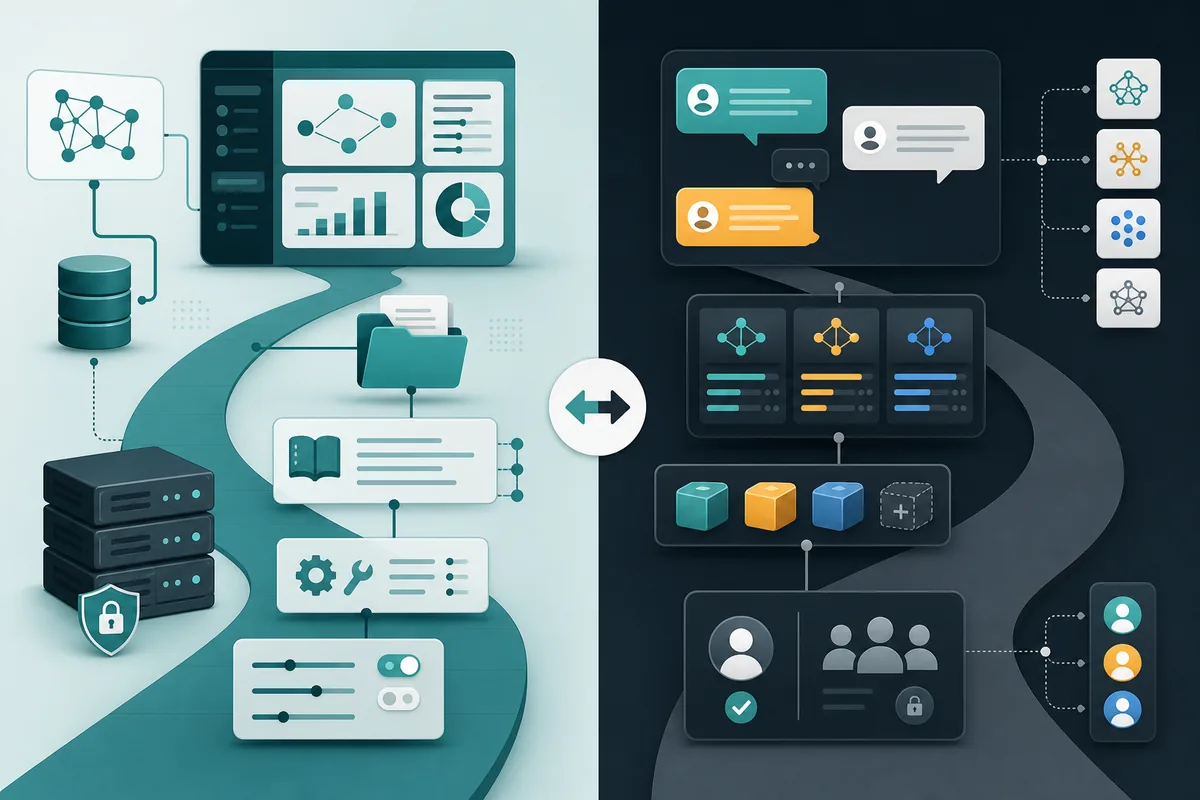
Searches for OpenWebUI vs LibreChat usually come from users who already know they want a self-hosted AI interface, but they are not sure whether the priority is a local-model dashboard, a polished multi-provider chat layer, or a broader workspace. That distinction matters more than screenshots. Both projects can sit in a local AI stack, but they push you toward different operating habits, security checks, storage decisions, and maintenance work.
Fast verdict
If your first requirement is an extensible self-hosted AI interface with especially direct Ollama and local-model workflows, Open WebUI is usually the cleaner starting point. Its current platform also supports broader model connections, retrieval, tools, pipelines, and administration, so the decision should not be reduced to ‘Open WebUI only works with Ollama.’
If your first requirement is a ChatGPT-style self-hosted workspace centered on provider routing, presets, agents, accounts, and consistent conversation management across hosted and local-compatible endpoints, LibreChat is the stronger candidate. It can also support retrieval and tool-driven workflows; its differentiator is the operational shape of the chat workspace rather than exclusive ownership of those features.
Short answer
Choose Open WebUI when you want a broad, extensible self-hosted AI interface with especially direct Ollama and local-model workflows. Choose LibreChat when provider routing, presets, agents, and multi-user chat operations are the center of the deployment. Choose Odysseus AI when the job expands beyond chat into a broader self-hosted workspace with documents, research, notes, and service configuration.
Open WebUI fit
Open WebUI makes the most sense when the model runtime is already the center of your plan. If you are running Ollama locally, testing small models, sharing one local machine, or teaching non-technical users to pick models without touching the command line, a dashboard-first interface is practical. The main value is reducing friction around local model use.
The tradeoff is that a local dashboard can become the wrong layer if the team actually needs provider orchestration, many user roles, strict shared presets, or a heavier chat governance model. You should also avoid the common privacy shortcut: local does not automatically mean safe. You still need to know where files, embeddings, logs, model data, and credentials are stored, and you still need authentication before exposing ports beyond localhost.
- Ollama-first local model workflow
- Local dashboard and admin controls
- Review storage, auth, logs, and exposed ports
LibreChat fit
LibreChat fits a different mental model. It is strongest when the user wants a familiar chat workspace that can sit across multiple model providers and let people manage conversations, presets, agents, and access patterns. That makes it attractive for teams or advanced individual users who are not committed to one local runtime.
The maintenance tradeoff is that multi-provider flexibility adds configuration responsibility. API keys, provider policies, storage, account access, and update paths need more discipline than a one-person local dashboard. If the only goal is a simple UI for Ollama on a laptop, LibreChat may be more stack than you need.
| Need | Why it helps | Risk to check |
|---|---|---|
| Multiple providers | Provider routing and chat conventions | Keys and endpoint policy |
| Shared presets | Standardized model and prompt behavior | Weak defaults can spread |
| Local plus hosted mix | One chat surface for several endpoints | Privacy depends on selected provider |
Comparison table
The best comparison is not a feature-count contest. It is a workflow fit test. Open WebUI, LibreChat, and Odysseus AI can all appear in a self-hosted AI stack, but they answer different questions. One asks how to make local models easy to use. One asks how to make multi-provider chat manageable. One asks how to organize a broader self-hosted AI workspace.
| Decision | Open WebUI | LibreChat | Odysseus AI |
|---|---|---|---|
| Primary job | Ollama-first local dashboard | Multi-provider chat workspace | Broader workspace layer |
| Setup style | Fast local model UI | Accounts, presets, provider routing | Documents, research, notes, services |
| Privacy check | Volumes, uploads, auth, ports | Keys, providers, users, storage | Do not duplicate permissions |
| Avoid when | Provider governance is the real task | Only a thin Ollama UI is needed | Only chat is required |
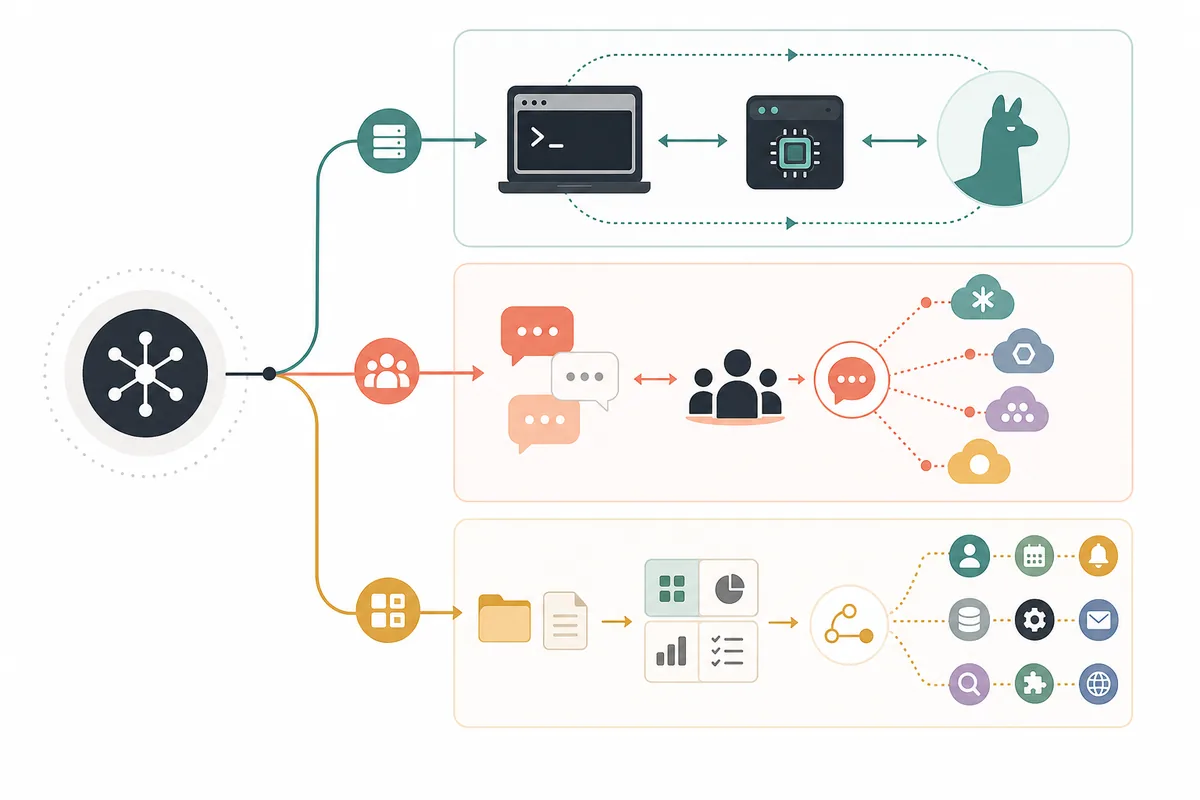
Decision flow
Start by proving the model layer outside the UI. If Ollama, LM Studio, or another endpoint cannot answer a basic prompt, changing dashboards will not fix the stack. Next, decide whether users need a local dashboard, a multi-provider chat layer, or a broader workspace. Only after that should you compare Docker commands, account settings, file upload behavior, and update paths.
-
Prove the model runtime
Test the endpoint directly before debugging the UI.
-
Pick the workflow layer
Choose dashboard-first, chat-first, or workspace-first.
-
Review data paths
Find chats, uploads, embeddings, credentials, logs, and backups.
Where Odysseus AI fits
Odysseus AI is not best evaluated as a simple clone of Open WebUI or LibreChat. Its value is the workspace layer around local AI work: chat and agents, documents, research-oriented flows, notes, tasks, and service configuration. That makes it relevant when the problem is not just talking to a model, but organizing repeatable work around the model.
A practical stack can use more than one layer. A user may keep Ollama as the model runtime, use Open WebUI or LibreChat for a particular chat workflow, and still use Odysseus AI for broader workspace notes and setup decisions. The important boundary is to avoid giving every layer the same data and permissions by default.
Odysseus AI boundary
Use Odysseus AI when workspace depth matters. Use Open WebUI or LibreChat when the problem is primarily the chat surface.
OpenWebUI vs LibreChat FAQ
Sources and official docs
- Open WebUI documentation - Official documentation for Open WebUI deployment and feature context.
- LibreChat documentation - Official documentation for LibreChat provider, account, and chat-workspace behavior.
- Official Odysseus AI GitHub repository - Primary source for Odysseus AI workspace setup and project positioning.
- Ollama API documentation - Reference for local model runtime and endpoint behavior.
Related Odysseus AI guides
- Local AI agent dashboard - Use this broader comparison when Odysseus AI, AnythingLLM, Dify, and Ollama-only setups are also on the shortlist.
- Odysseus AI Ollama setup - Prepare the model endpoint before choosing the chat or workspace layer.
- Local AI coding agent - Keep repository permissions and command gates separate from chat UI choices.
- Odysseus AI Docker setup - Review ports, volumes, .env, updates, and safe local exposure before publishing services.
Last updated: July 10, 2026
Back to Odysseus AI Wiki