ローカルAIコーディングエージェント: コードに触らせる前に安全なOdysseus AIワークフローを作る
ローカルモデル、実際のリポジトリ、コマンド権限、レビュー地点をOdysseus AIの作業レイヤーで扱うための実践ガイドです。

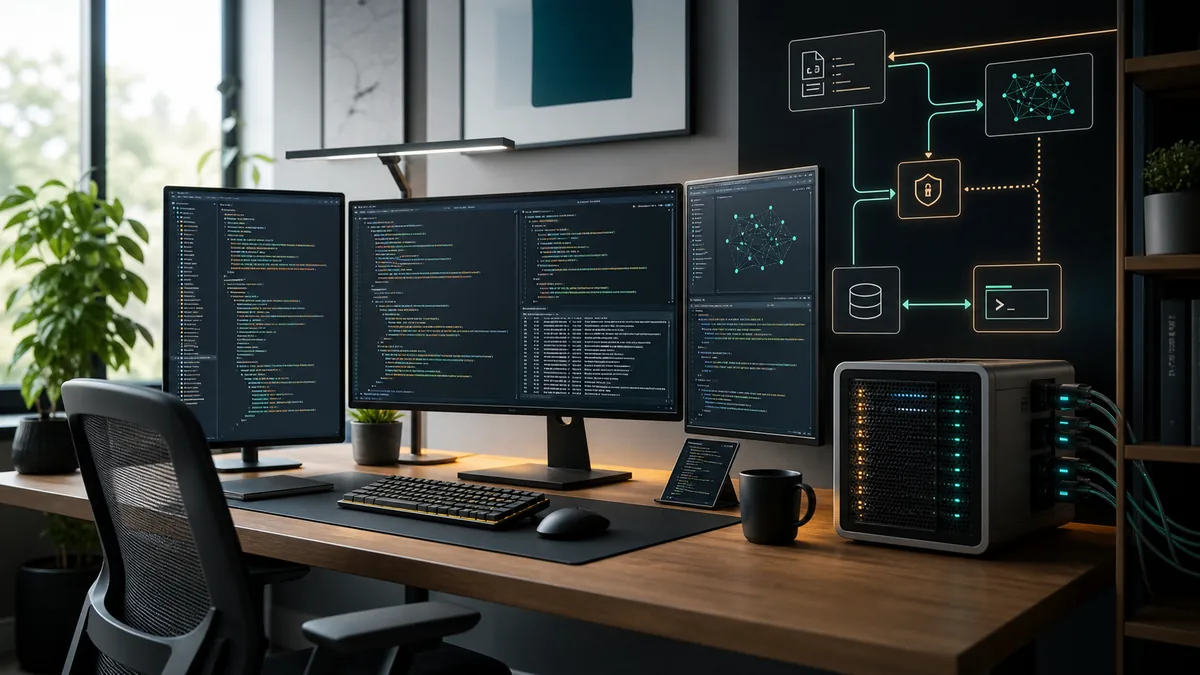
ローカルAIコーディングエージェントを探す人は、単にコード片を書くチャットボット以上のものを求めています。役に立つ形では、リポジトリを読み、変更を説明し、パッチを提案し、許可されたときだけテストを実行します。
目的から始める: 自律メンテナーではなくコーディング支援
ローカルAIコーディングエージェントは、コード理解、変更計画、パッチ作成、結果確認を助けるためのものです。最初から無制限のシェル権限や未レビューのファイル変更を与えるべきではありません。
Odysseus AIはセルフホストの作業レイヤーとして使えます。会話、ファイル、設定、文脈をまとめ、OllamaなどのOpenAI互換エンドポイントはモデル実行レイヤーとして分けておきます。
重要な境界は、モデルは変更を提案できるが、ファイルを書き込む時、コマンドを実行する時、コミットを公開する時はワークフロー側が決めるという点です。
実践ルール
力より先に文脈を与えます。まず読ませて説明させ、その後に書き込みとコマンドを段階的に許可します。
ローカルAIコーディングエージェントの構成
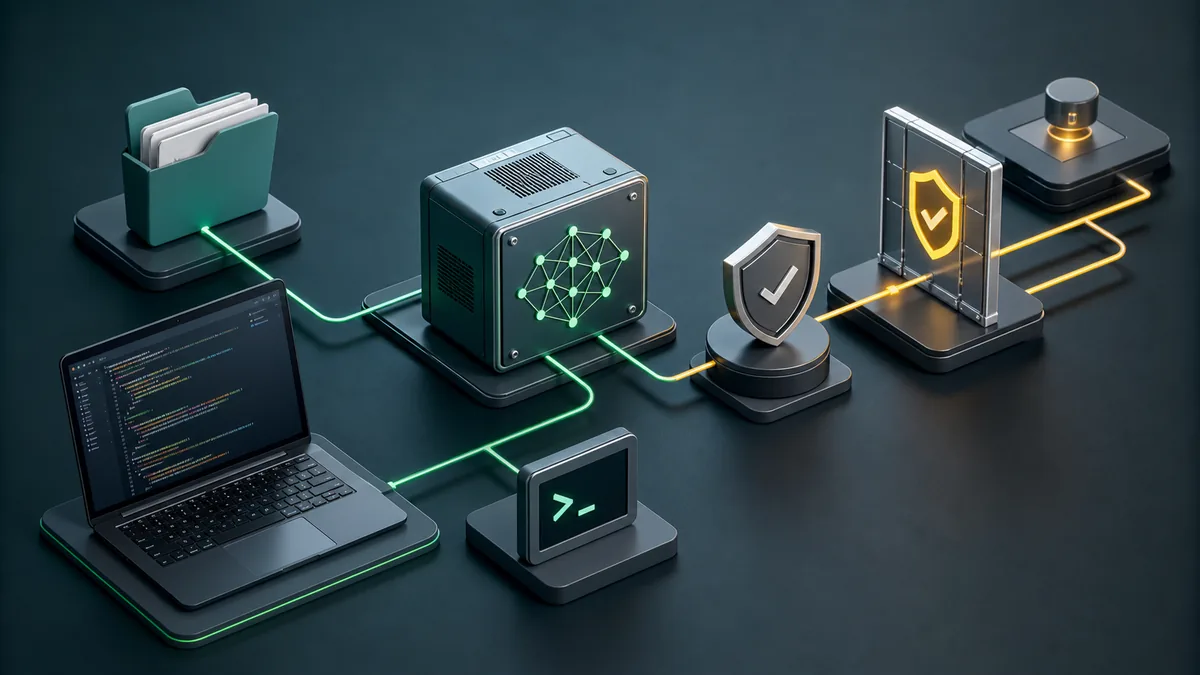
モデル実行、ワークスペース、リポジトリ境界、実行レイヤーの四つに分けて考えます。混同すると問題が起きます。
きれいに分けると、リポジトリの方針を変えずにモデルを差し替えられ、Odysseus AIを作業面として安全に試せます。
| レイヤー | 目的 | 最初の安全設定 | 省略した時のリスク |
|---|---|---|---|
| Model runtime | Runs the coding-capable model and exposes an endpoint. | Start on localhost with one known model. | You debug agent behavior when the model endpoint is actually broken. |
| Workspace | Holds conversations, documents, settings, and task context. | Use Odysseus AI or another dashboard with explicit endpoint settings. | The assistant sees too little context or stores data where you did not expect. |
| Repository boundary | Defines what code the agent may inspect or modify. | Open one non-sensitive repo first. | Secrets, unrelated folders, or generated files leak into prompts and patches. |
| Execution layer | Runs tests, formatters, package managers, and Git commands. | Require human approval for write and shell actions. | A bad command can modify files, install packages, or expose data before review. |
キーワード境界:local LLM coding、local agents、混ぜない意図
Similarweb は、このページが広い local AI coding agent ガイドであるべきことを確認しています。related tab の “local LLM for coding” は直近約6,750、average 約2,248、difficulty 29 でした。これはモデル/runtime 選択の補助テーマであり、主題そのものを置き換えるものではありません。
“local agent” も直近約1,310、difficulty 3 と出ますが、意味が広すぎます。“local LLM agentic coding” と “best AI model for local agentic coding” は workflow とモデル選択の補足に使うのが安全です。
モデルだけでは workflow は完成しない
より良い local LLM は役立ちますが、repo 境界、secret 管理、コマンド承認、検証が agent の安全性を決めます。
| 候補キーワード | Similarweb tab と指標 | 意図の一致 | 判断 |
|---|---|---|---|
| local LLM for coding | Related; ~6,750 / KD 29 | Strong support | Section |
| local agent | Related; ~1,310 / KD 3 | Ambiguous | Anchor only |
| local LLM agentic coding | Related; ~810 / KD 21 | Workflow fit | Support |
| ai coding agents full local | Phrase + related | Niche fit | FAQ |
| best AI model for local agentic coding | Model-choice intent | Support | FAQ |
| Cursor Ollama | Editor-specific | Sibling owns it | Related link |
コードを接続する前のチェックリスト
最も重要な非公開リポジトリから始めないでください。小さなプロジェクトでモデル品質、パス、コマンド、権限の挙動を確認します。
このチェックリストは特定UIではなく境界を守るためのものなので、保守的に作っています。
- ダッシュボードを開く前に、簡単なプロンプトでモデルエンドポイントを確認します。
- 専用の作業フォルダを作り、ユーザーディレクトリ全体を渡さないようにします。
- .env、APIキー、DBダンプ、非公開ログを最初の文脈から外します。
- 初期設定ではダッシュボードとモデルをlocalhostに保ちます。
- チャット、アップロード、埋め込み、設定の保存場所を確認します。
- 変更を依頼する前にGitの状態がきれいか確認します。
- 通常のテストとフォーマッタを一度手で実行し、基準を知っておきます。
モデルサイズより権限ゲートが重要
大きなモデルは良いパッチを出せますが、被害範囲を決めるのは権限です。自由なターミナルはインストール、削除、情報露出につながります。
読み取り、書き込み、実行、Gitを分けます。読み取りから始め、書き込みとコマンドは見える形で承認します。
| 権限 | 最初は | 後で許可する条件 |
|---|---|---|
| Read repository | A small project folder without secrets. | You have a .gitignore, clean status, and clear context boundaries. |
| Write files | One scoped change at a time. | The agent can explain the patch and you can review the diff. |
| Run commands | Read-only checks or known test commands. | You understand the command and it stays inside the project. |
| Install packages | Avoid during first tests. | A dependency change is part of the task and lockfile changes are reviewed. |
| Commit and push | Manual only. | Validation passed and the diff contains only intended files. |
エージェントを役立てる日常ワークフロー
小さな目的、調査、計画、限定編集、検証、diffレビューという退屈な流れが最も強力です。
Odysseus AIは文脈、メモ、モデルルーティングに使い、コマンドは制御された実行レイヤーで扱います。
-
State the change boundary
Name the feature, bug, or file area. Avoid broad prompts like 'clean up the repo' until the agent has proven itself.
-
Let the agent inspect before editing
Ask for existing patterns, routes, tests, and build commands. Good coding assistance starts with context.
-
Approve a narrow edit
Small patches are easier to review and revert. Keep unrelated refactors out of the first pass.
-
Run targeted checks
Use the project's real build, tests, linters, or browser checks. Do not accept a patch that was never exercised.
-
Review Git status before publishing
Generated files, caches, profiles, and build artifacts need explicit handling. Commit only what belongs to the task.
ローカルAIコードエージェントのよくある失敗
多くの失敗は早すぎる広い権限から生まれます。既知のプロジェクト、既知のコマンド、見えるdiffの中で使うほど安全です。
| 失敗 | 問題点 | より良い対応 |
|---|---|---|
| Mounting the whole home folder | The agent can read unrelated files and secrets. | Open only the target workspace. |
| Skipping baseline tests | You cannot tell whether the agent broke something or inherited a failing project. | Run the project's normal checks before edits. |
| Letting the model choose commands blindly | Package installs, migrations, or cleanup commands may have side effects. | Approve each command and keep it project-scoped. |
| Committing generated clutter | Caches and profiles pollute source history and CI. | Inspect git status and ignore temporary validation artifacts. |
| Confusing model quality with workflow safety | A smart model can still act on bad permissions. | Keep approval gates even when the model is strong. |
ローカルAIコーディングエージェント FAQ
Sources and official docs
- Official Odysseus AI GitHub repository - Primary source for current project files, setup notes, and workspace positioning.
- Ollama API documentation - Reference for local model server endpoints used by many self-hosted workflows.
- Git documentation - Reference for repository, diff, commit, and status behavior in coding workflows.
- OpenAI Model Context Protocol overview - Useful background for tool/context boundaries in agentic workflows.
関連するOdysseus AIガイド
- 16GB RAM向けローカルコーディングモデル - 7Bと14Bをメモリとコンテキストの予算で選びます。
- Cursor と Ollama の coding agent - Cursor や VS Code から Ollama endpoint を使う場合の具体的な workflow ガイドです。
- Local AI agent dashboard - Choose the workspace layer before building a coding workflow.
- Odysseus AI Ollama setup - Connect Odysseus AI to a local model endpoint without localhost confusion.
- Odysseus AI Docker setup - Use Docker Compose, volumes, ports, and safe local defaults.
- Odysseus AI Windows setup - Handle WSL2, Docker Desktop, firewall prompts, and local endpoints on Windows.
最終更新日: 2026年7月4日
Odysseus AI Wikiに戻る