Ollama vs Odysseus: What Each Tool Does and When to Use Both
The useful comparison is not which logo wins. It is which layer serves models, which layer organizes work, and how the two can fit together without confusing endpoints or privacy boundaries.

In this guide
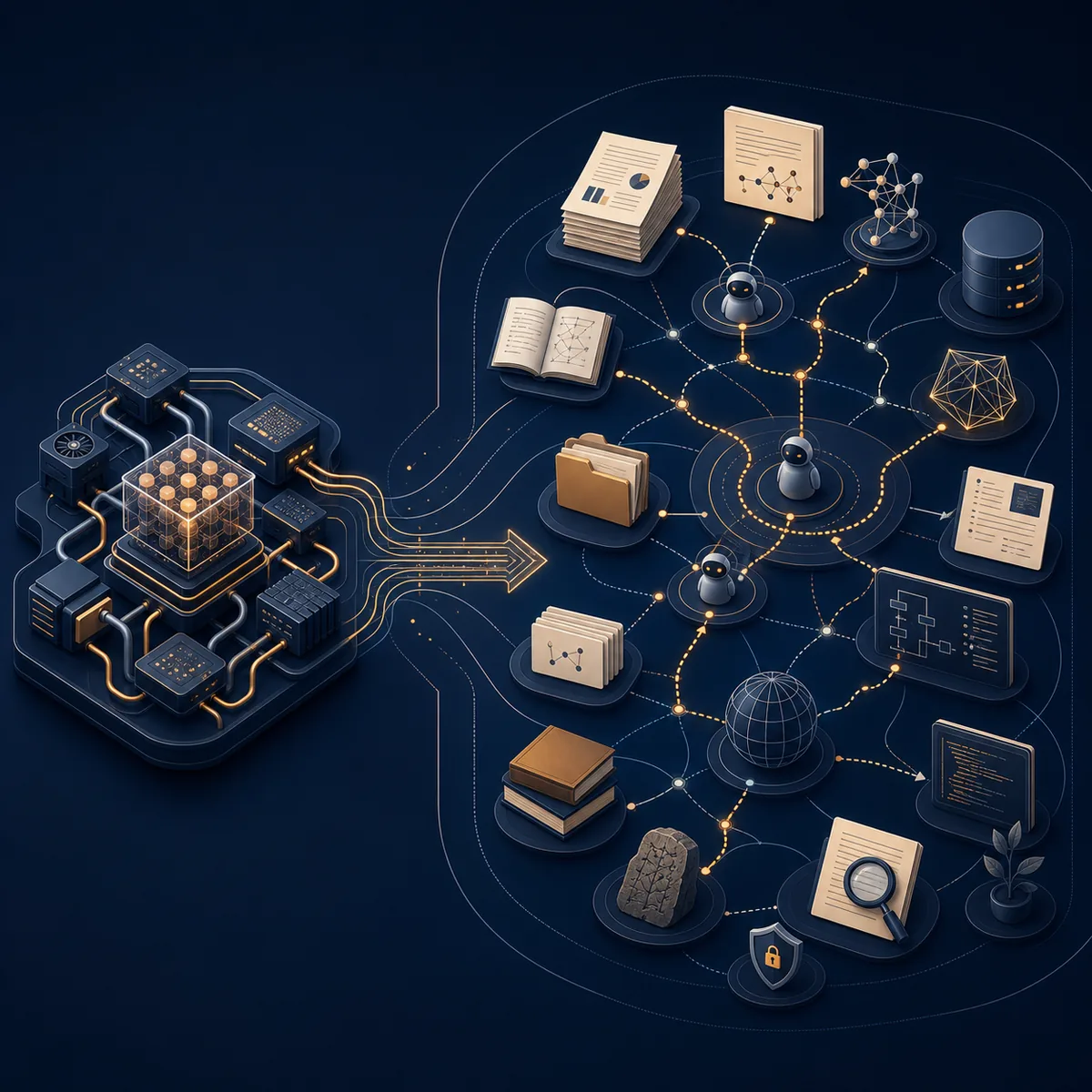
Searching for Ollama vs Odysseus usually means you are trying to decide where a local AI workflow should live. Ollama and Odysseus AI are related, but they solve different problems. Ollama focuses on serving local models; Odysseus AI provides a wider self-hosted workspace around model access and repeatable work. This guide keeps the boundary clear so you can choose the smallest useful setup and connect the two deliberately when that is the right architecture.
Ollama vs Odysseus: the short answer
If your question is really about running a model on your own computer, start with Ollama. It is the model-serving layer: you pull or manage local models, run them, and expose an endpoint that another application can call.
If your question is about managing a larger local AI workspace, evaluate Odysseus AI. Its useful role is above the runtime: chat, agents, documents, research-oriented tasks, and service configuration can be organized in one self-hosted environment.
That means the practical answer is often not Ollama or Odysseus. It is Ollama underneath Odysseus, with a deliberate endpoint between them. The comparison becomes useful when you separate model inference from workspace orchestration.
The boundary to remember
Ollama answers: where does the model run? Odysseus AI answers: where does the broader local AI work happen?
What Ollama does: the local model runtime
Ollama is easiest to understand as a local model service. It helps you obtain and run compatible models on your machine, then makes those models available through a local interface or API. Other tools can send prompts to that service instead of implementing model execution themselves.
This role is intentionally narrower than a full workspace. Ollama does not automatically become your document library, research notebook, agent permission system, backup plan, or reverse proxy. Those jobs belong to the application that sits around it.
The runtime still matters enormously. Model size, quantization, context length, GPU offload, system memory, and endpoint health determine whether the rest of the stack feels responsive. A dashboard cannot rescue a model service that is swapping, unreachable, or configured for the wrong network namespace.
| Question | Ollama is a good fit | What it does not solve by itself |
|---|---|---|
| Run local models | Serve a model on your own machine and test responses locally. | Choosing a complete workspace for files, agents, and long-running projects. |
| Expose an endpoint | Give another application a local or compatible API target. | Deciding whether that endpoint is safe to expose beyond localhost. |
| Change models | Pull, select, and test different local model families. | Organizing every document, task, permission, and backup around those models. |
| Control resources | Make model and context choices that match your RAM, VRAM, and CPU. | Making an oversized model practical when the machine has no headroom. |
What Odysseus AI does: the workspace layer
Odysseus AI makes more sense as a self-hosted workspace that can sit around model providers. The project is relevant when the goal is broader than a prompt box: you may want chat, agent-style actions, documents, research, notes, and service settings to share one operating context.
That broader surface also creates more responsibility. A workspace has credentials, stored data, ports, volumes, logs, and integrations. Running it locally gives you more control, but it does not remove the need to understand what is stored, which service is reachable, and which model endpoint receives a prompt.
Odysseus AI therefore complements Ollama when you want to use a local model inside a larger workflow. It can also be evaluated with another compatible provider if your setup does not use Ollama. The important point is to treat the provider choice and the workspace choice as separate decisions.
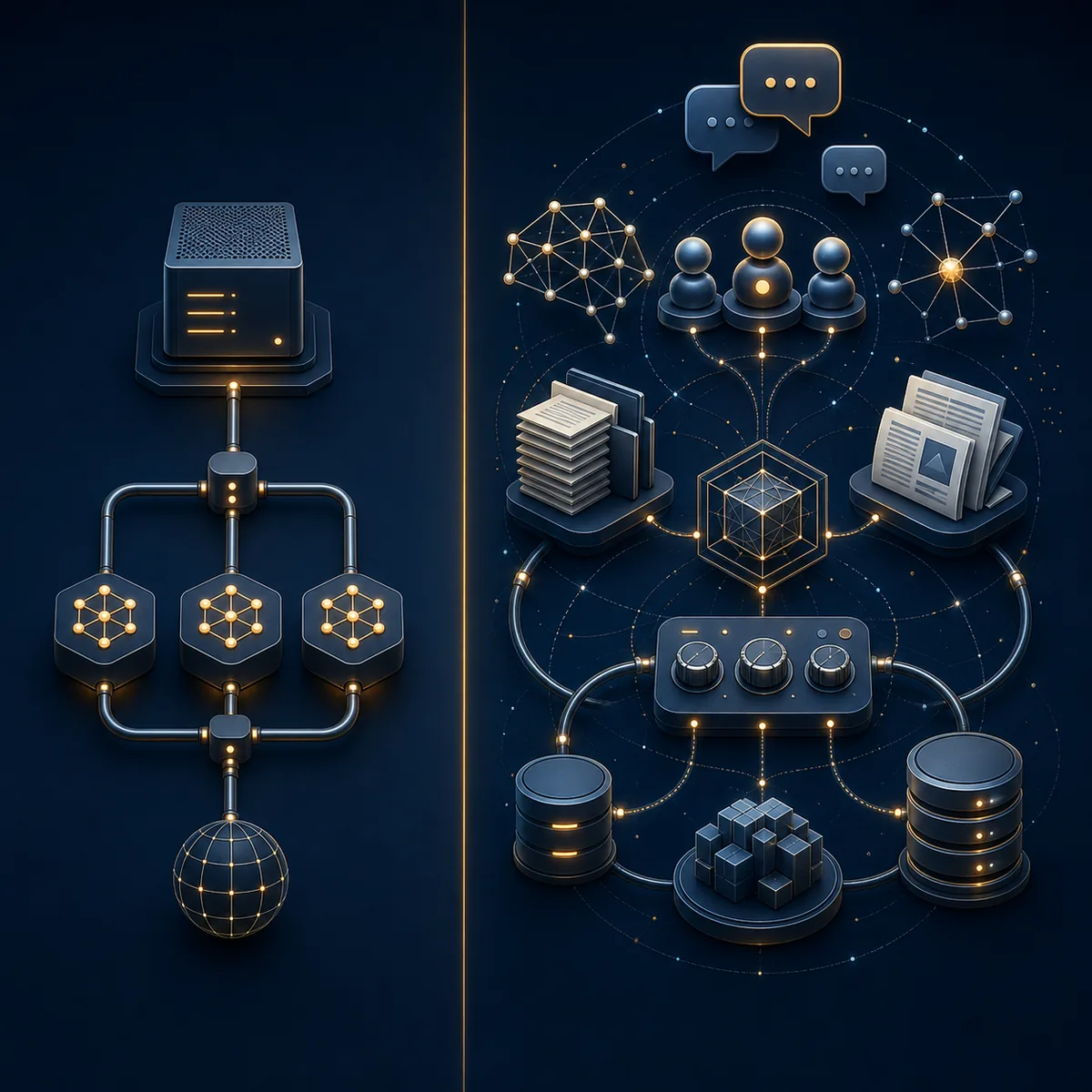
Ollama vs Odysseus comparison table
The table below is more useful than a feature-count contest because it maps each product to the job it is designed to do. In a real local setup, the two columns may be deployed together rather than chosen as mutually exclusive alternatives.
Use the official project documentation to verify exact setup commands and current integration details. This page explains the boundary and decision logic; it is not a replacement for release-specific instructions.
| Decision area | Ollama | Odysseus AI |
|---|---|---|
| Primary layer | Local model runtime and API service. | Self-hosted workspace around models, tasks, and services. |
| Best first question | Which model can this machine run well? | Which workspace can organize the work I need to repeat? |
| Typical output | A model response from a local endpoint. | A workspace session involving chat, files, agents, research, or settings. |
| Main setup risk | Wrong model size, context budget, binding, or endpoint. | Wrong ports, credentials, storage, integration, or exposure assumptions. |
| Use alone when | You need a lightweight runtime, API, or model test bed. | You already have a supported provider and need the workspace layer. |
| Use together when | You want local inference for a larger application. | You want that local inference inside a broader self-hosted workflow. |
When should you use Ollama, Odysseus AI, or both?
Choose Ollama alone when the task is model serving. This is the cleanest route for testing model families, connecting a small client, or building a local API workflow where you already know how files, permissions, and backups will be handled.
Choose Odysseus AI when you need a persistent work surface around the model. That can make sense when documents, research, agent workflows, settings, and repeatable tasks matter more than having the smallest possible interface.
Choose both when you want the control of local inference and the structure of a workspace. Start with one model endpoint, confirm it works, then add the workspace. Avoid installing multiple runtimes and dashboards at the same time; a layered stack is easier to diagnose when each layer is proven separately.
A good default for evaluation
Prove one local model, connect one endpoint, complete one small non-sensitive task, and only then add more models, documents, agents, or network access.
- Use Ollama alone for a small local model service, API experiments, or a client you already trust.
- Use Odysseus AI when the workflow needs documents, agents, research, settings, and a repeatable workspace.
- Use both when Ollama can serve the model and Odysseus AI can organize the surrounding work.
- Use a different provider or workspace when your required model, team controls, deployment target, or maintenance budget does not fit either tool.
How to connect Ollama to Odysseus AI safely
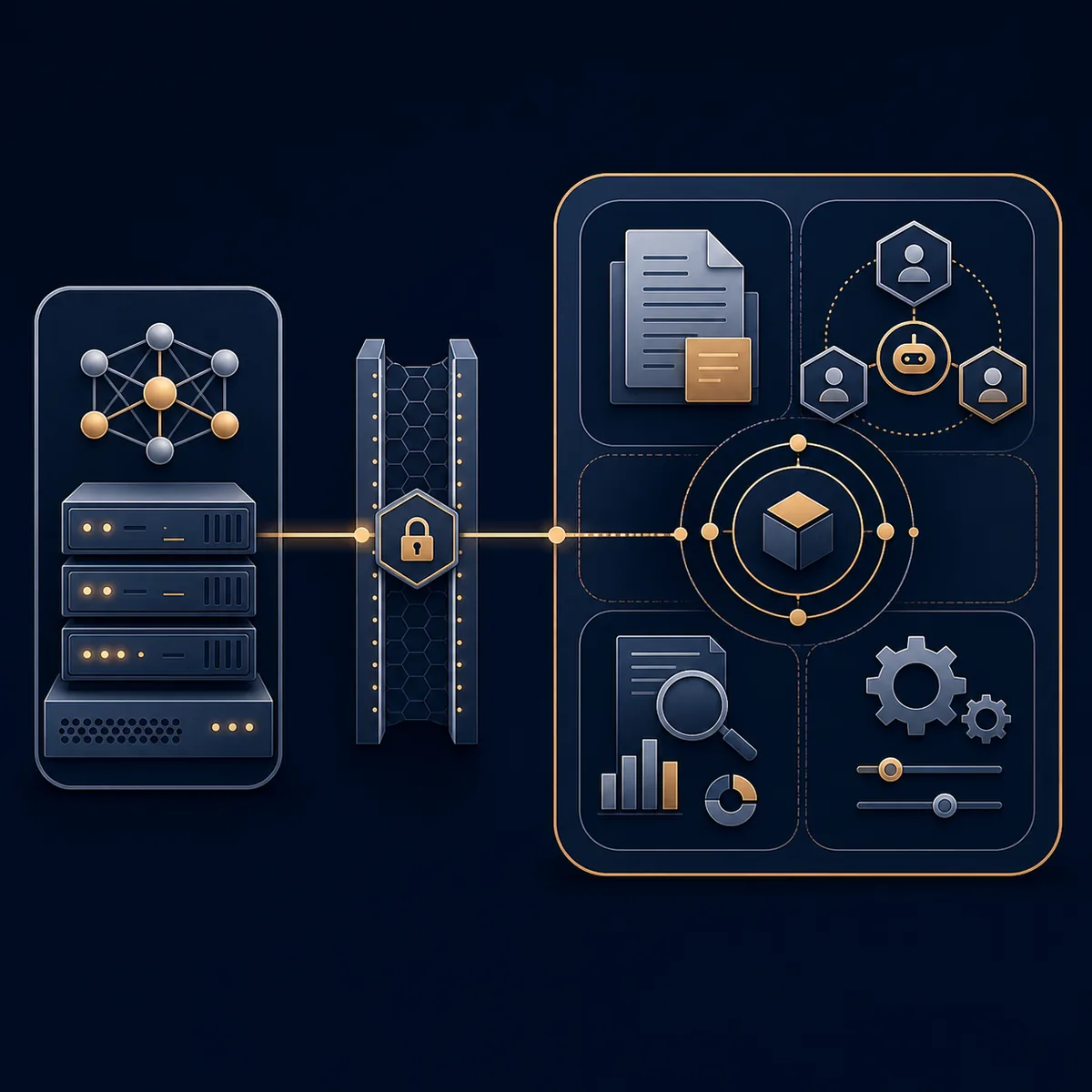
The phrase connect Ollama to Odysseus often hides a networking problem. If both services run natively on one host, localhost may be correct. If Odysseus AI runs in Docker while Ollama runs on the host, localhost inside the container points to the container itself, not the host. Use the endpoint form documented for your platform and test from the same network context as the application.
Keep the first connection local and narrow. Confirm that Ollama responds independently, add only the required provider settings in Odysseus AI, and avoid exposing ports publicly while you are still learning where credentials, logs, and data live.
-
Prove the model service
Start Ollama and confirm that one small model returns a response before opening Odysseus AI settings.
-
Identify the network namespace
Decide whether both processes are native, whether one runs in Docker, or whether the provider is on another machine.
-
Enter the provider endpoint
Use the host or service address required by that deployment path. Do not copy localhost from a native tutorial into a container without checking it.
-
Run one bounded test
Use a non-sensitive prompt or document, verify the response, and inspect logs before adding agents or larger context.
-
Record the boundary
Write down the endpoint, port, credentials location, storage path, and backup plan before treating the setup as ready for daily work.
http://host.docker.internal:11434/v1Common mistakes in the Ollama vs Odysseus comparison
Most failed comparisons start by treating the two names as competing model products. That leads people to compare model lists with workspace features, or to blame a dashboard for a runtime problem. A better diagnostic path asks which layer failed and checks that layer directly.
The privacy boundary deserves the same care. Self-hosted does not mean automatically private: endpoints, credentials, uploaded files, logs, backups, telemetry, and reverse-proxy rules still matter. Keep the first setup on localhost and expand access only after you can explain the data path.
| Mistake | What goes wrong | Better move |
|---|---|---|
| Treating them as direct substitutes | A runtime is judged by workspace features or a workspace by model speed. | Assign each product a layer before comparing features. |
| Using the wrong endpoint | Odysseus AI cannot reach Ollama even though Ollama works in a browser. | Test from the same host or container network as the caller. |
| Choosing a model by size alone | The model loads once but swaps or makes the workspace unusable. | Budget RAM, VRAM, context, editor, browser, and tools together. |
| Publishing ports too early | A local workspace becomes reachable before auth and storage are understood. | Keep localhost first and document every deliberate exposure. |
| Skipping backups | A rebuild or update removes conversations, files, volumes, or settings. | Identify persistence and backup paths before real data enters the system. |
Ollama vs Odysseus FAQ
Sources and official docs
- Official Odysseus AI GitHub repository - Verify current project structure, setup paths, integrations, and release notes here.
- Ollama API documentation - Reference for the local model service API and endpoint behavior.
Related Odysseus AI guides
- Odysseus AI Ollama setup - Configure a local Ollama endpoint for native or Docker deployments.
- Local AI agent dashboard comparison - Compare workspace, chat, document, and app-builder layers before installing more software.
- Odysseus AI Docker setup - Check ports, host networking, volumes, logs, and local exposure.
- Odysseus AI system requirements - Separate application overhead from model RAM, VRAM, context, and storage planning.
- Local AI coding agent workflow - Apply model, workspace, repository, and permission boundaries to coding work.
Last updated: August 11, 2026
Back to Odysseus AI Wiki