Odysseus AI Download: Official Source, GitHub, and Safe Install Paths
A source-first guide for finding the real Odysseus AI project, choosing between GitHub, Docker, and native setup, and avoiding unofficial download pages.

In this guide
Searches for an Odysseus AI download mix together several different needs: finding the project, downloading its source code, installing the workspace, and downloading a model for Ollama or another provider. Those are not the same action. This page keeps the boundary explicit so you can reach the current source without copying a stale command, a guessed binary URL, or an unofficial mirror.
The safe Odysseus AI download answer
Start with the current official repository, not with a search-result download button. As checked on August 7, 2026, the canonical source I could verify is the odysseus-dev/odysseus GitHub repository. The older pewdiepie-archdaemon/odysseus address still appears in older pages and keyword results, but the new guide uses the current repository as the first destination.
The repository is source-first. I did not find a stable GitHub Release with a verified version number, file size, and permanent EXE, DMG, or ZIP asset that could safely be presented as the latest download. That means the honest path is to obtain the source from the repository and follow the setup instructions for the environment you actually use.
Do not invent a release
If a page promises an official Odysseus AI installer but cannot be traced to the current repository or official project page, treat it as unverified. A missing release asset is better than a made-up direct link.
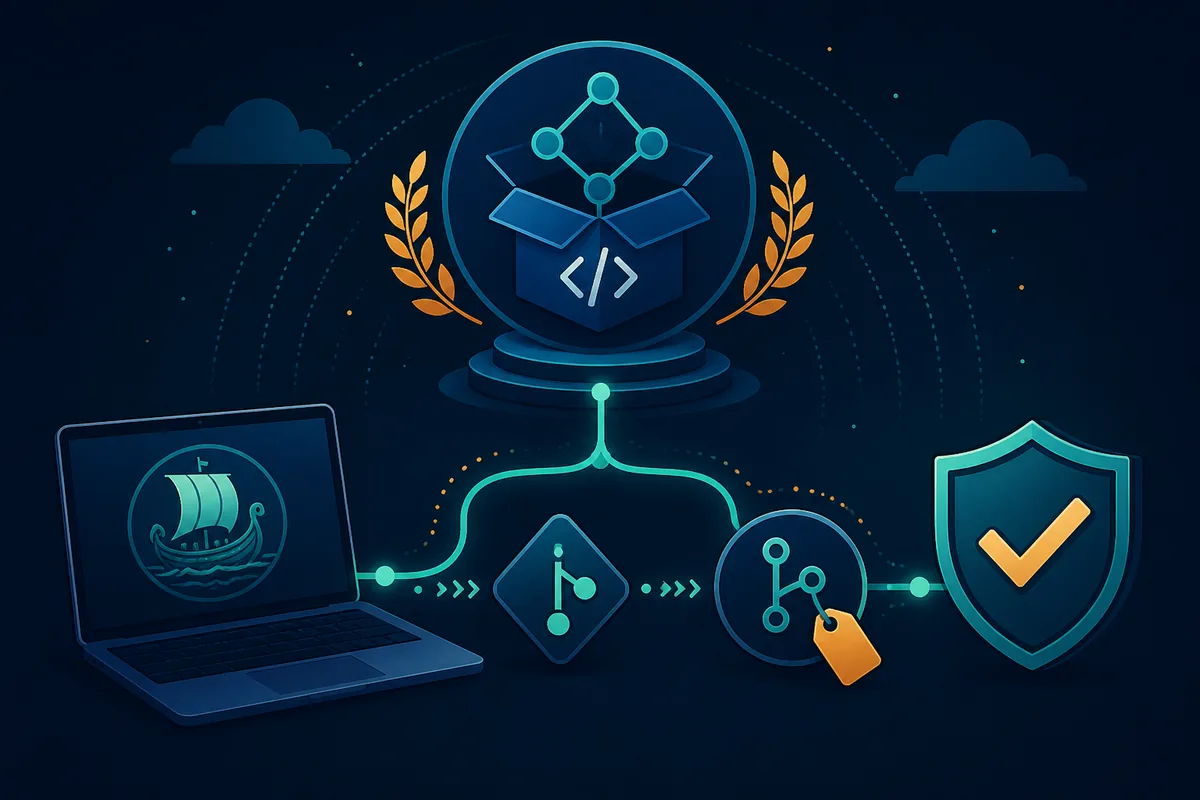
Verify the official Odysseus AI source before downloading
The first check is the repository identity. Confirm the owner and project name, read the README, and compare the setup path with the machine you plan to use. The source page is more reliable than a reposted command because it can change when the project changes its launch scripts, dependencies, ports, or supported platforms.
The official project landing page is useful for orientation, but it is not a substitute for the repository instructions. Keep the repository, README, and the page date visible while you work. If an older article points to a different owner, follow the redirect only after checking that the destination is the same project.
- Check the repository owner and project name before cloning or downloading an archive.
- Read the current README section for Docker, Windows, Linux, macOS, or Apple Silicon.
- Confirm that any command you copy matches the branch and directory you actually downloaded.
- Keep credentials, model keys, and private workspace files out of public issue comments or random scripts.
Why you may not see a stable Odysseus AI release download
A source repository and a release archive serve different purposes. A repository can contain launch scripts, Docker files, and platform helpers without publishing a permanent installer for every operating system. That is the situation to plan for here: the verified source is available, but a stable release asset with a version, size, and durable direct link was not available for this check.
Do not convert the absence of a release into a fake latest version. The correct answer to a question such as “what is the latest Odysseus AI download?” is to state what was verified, provide the official source page, and explain which setup path the reader should follow. This also keeps the page from making an unsupported malware-scan or safety guarantee.
| Check | Verified status on August 7, 2026 | What it means |
|---|---|---|
| GitHub Releases | No stable release asset verified | Use the source and README instead of a guessed binary link. |
| Version number | No current release version safely claimable | Do not put a fabricated version in metadata, schema, or buttons. |
| File size | No official EXE/DMG/ZIP size verified | Do not repeat a size from a mirror or video description. |
| Direct download | Official repository/README page is the fallback | A page link is safer than an unstable signed or guessed file URL. |
Choose the download and installation path that matches your goal
Once the source is verified, choose one route and finish its first health check before combining it with Ollama, search, agents, or remote access. The route is a deployment decision, not a ranking of which operating system is best.
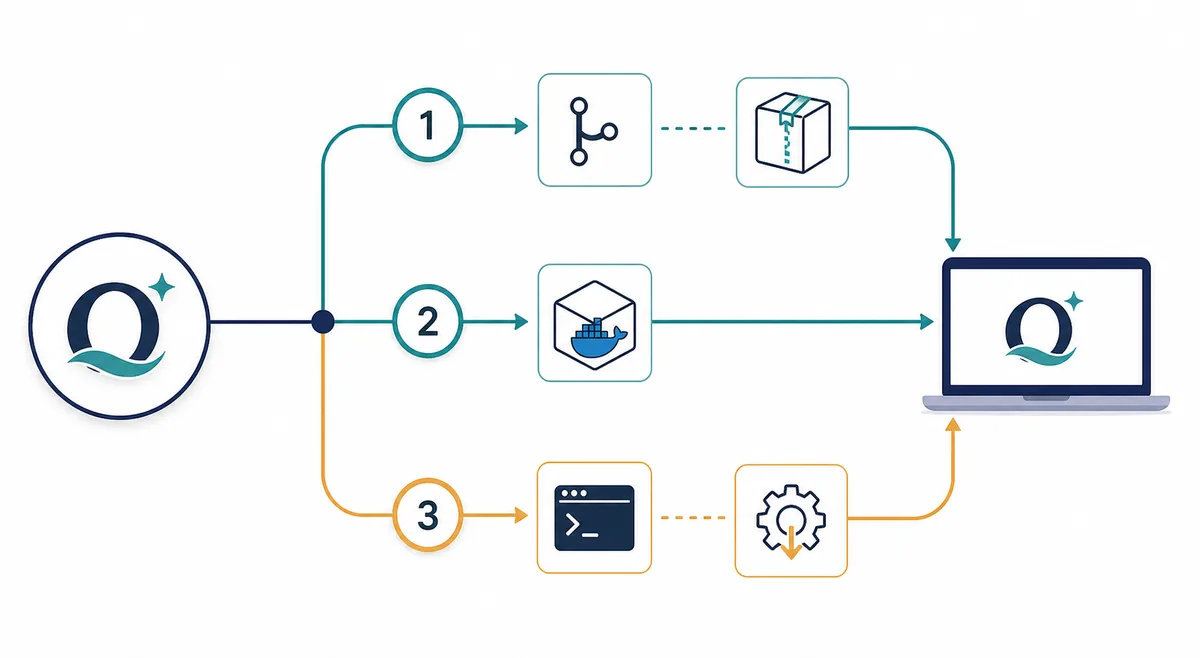
If you only need the source for inspection, a Git clone or repository ZIP is enough. If you want a repeatable local stack, Docker may be the cleanest starting point. If you need direct process control, use the native Windows, Linux, or macOS guide already maintained on this site. Do not follow every route at the same time.
-
Inspect the current repository
Open the official source, read the setup section, and decide whether you are checking code, running Docker, or using a native platform path.
-
Download the source once
Use Git clone or the repository archive. Keep the directory name stable so commands, environment files, and later updates point to the same project.
-
Choose one first-run path
Use Docker for an isolated repeatable stack, or follow the Windows, Linux, or macOS guide for a native process. Use the existing platform page rather than duplicating its commands here.
-
Verify the workspace before adding services
Open the local URL printed by the current setup, check the first login, and keep the service on localhost until authentication and ports are understood.
Application source is not the same as a model download
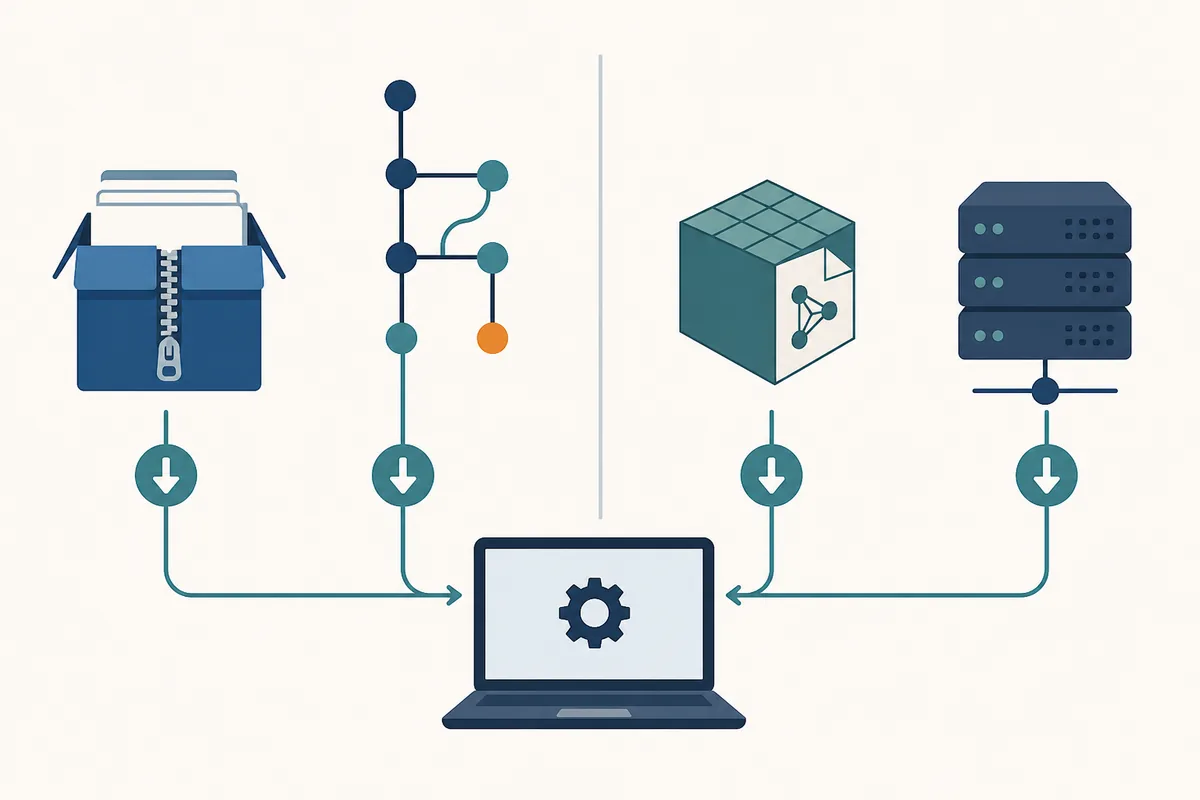
Many Odysseus AI searches use the word download when the reader actually wants a local model. The application source gives you the workspace and its scripts; a model file is fetched through a model runtime such as Ollama or another provider. Downloading a model does not install Odysseus AI, and cloning Odysseus AI does not automatically provide a usable local model.
Keep these operations separate when troubleshooting. First prove that the workspace starts. Then prove that your model provider responds. Only after both layers work should you debug the connection between them. This order is especially important when Docker, WSL2, or a remote endpoint changes what localhost means.
| What you want | Where it comes from | Next page to read |
|---|---|---|
| Odysseus AI workspace source | Official GitHub repository and README | How to run Odysseus AI |
| Docker stack | Repository Docker/Compose instructions | Odysseus AI Docker setup |
| Windows or native app path | Repository platform instructions | Odysseus AI Windows setup or native guide |
| Local model | Ollama or the model provider you choose | Odysseus AI Ollama setup |
| Hardware planning | Model size, context, runtime, and system budget | Odysseus AI requirements |
Download and first-install checklist
A source-first download is safer when every step is reversible. Save the repository URL and the date you checked it. Keep the first run local, avoid pasting secrets into shell history or public logs, and make a backup plan for any workspace volume before you update or rebuild.
If the official instructions change after this article was published, follow the current repository README and treat this page as an explanation of the decision boundary rather than a frozen command list. That is intentional: source verification survives small port or script changes better than a copied installer promise.
Use official-page fallback when no file is verifiable
This page links to the official repository and project page instead of inventing a binary URL, version number, file size, or security scan. Follow the current official instructions for the final command.
- Confirm the repository owner, project name, and README before downloading.
- Do not run a shell script from a mirror just because its filename looks official.
- Keep generated passwords and API keys private, and change temporary credentials after the first login.
- Use localhost first; review firewall, authentication, HTTPS, and reverse-proxy settings before LAN access.
- Back up Docker volumes or native workspace data before rebuilding or deleting anything.
- Test the workspace before downloading large models or adding external search services.
- If the source or release status is unclear, stop and verify it from the official project pages.
Odysseus AI download FAQ
Sources checked
- Official Odysseus AI GitHub repository - Current source and README used for repository identity and setup-path verification.
- Official Odysseus AI project page - Project orientation page checked as a first-party source.
- Odysseus AI download page - Cross-check only; older repository wording is treated cautiously and is not used as the sole source of truth.
Continue with the right setup guide
- How to run Odysseus AI - Choose Docker or a native path and verify the first login.
- Odysseus AI Docker setup - Follow the Compose, port, volume, and local-exposure checks.
- Odysseus AI Windows setup - Separate Windows, WSL2, Docker Desktop, and Ollama routing.
- Odysseus AI Ollama setup - Connect a local model server after the workspace is healthy.
- Odysseus AI requirements - Plan RAM, GPU, storage, context, and model-runtime needs.
Last updated: August 7, 2026
Back to the Odysseus AI Wiki