16GB RAMで使うローカルAIコーディングモデルの選び方
最大モデルではなく、エディタ、リポジトリ、コンテキスト、ツール用の余裕を残すモデルを選びます。

このガイドの内容
16GB環境で最適なローカルAIコーディングモデルを選ぶとき、中心になるのはメモリ配分です。モデル、KVキャッシュ、OS、エディタ、検索、ターミナル、テストツールが同じ資源を使います。
結論:まず7B級コーダーを使う
Q4量子化の7B級が安全な出発点で、Ollama、エディタ、Git、適度なコンテキストの余裕を残せます。14Bは実験枠です。
Default recommendation
Q4量子化の7B級が安全な出発点で、Ollama、エディタ、Git、適度なコンテキストの余裕を残せます。14Bは実験枠です。
16GB RAMと16GB VRAMは別物
システムRAMは全アプリで共有され、専用VRAMは主にモデルを保持します。内蔵GPUもシステムRAMを使います。
現実的なメモリ予算を作る
ファイル容量だけでなく、バッファ、KVキャッシュ、コンテキスト、索引、ターミナル、コンテナを含め、数GB空けます。
16GB環境に合うモデルクラス
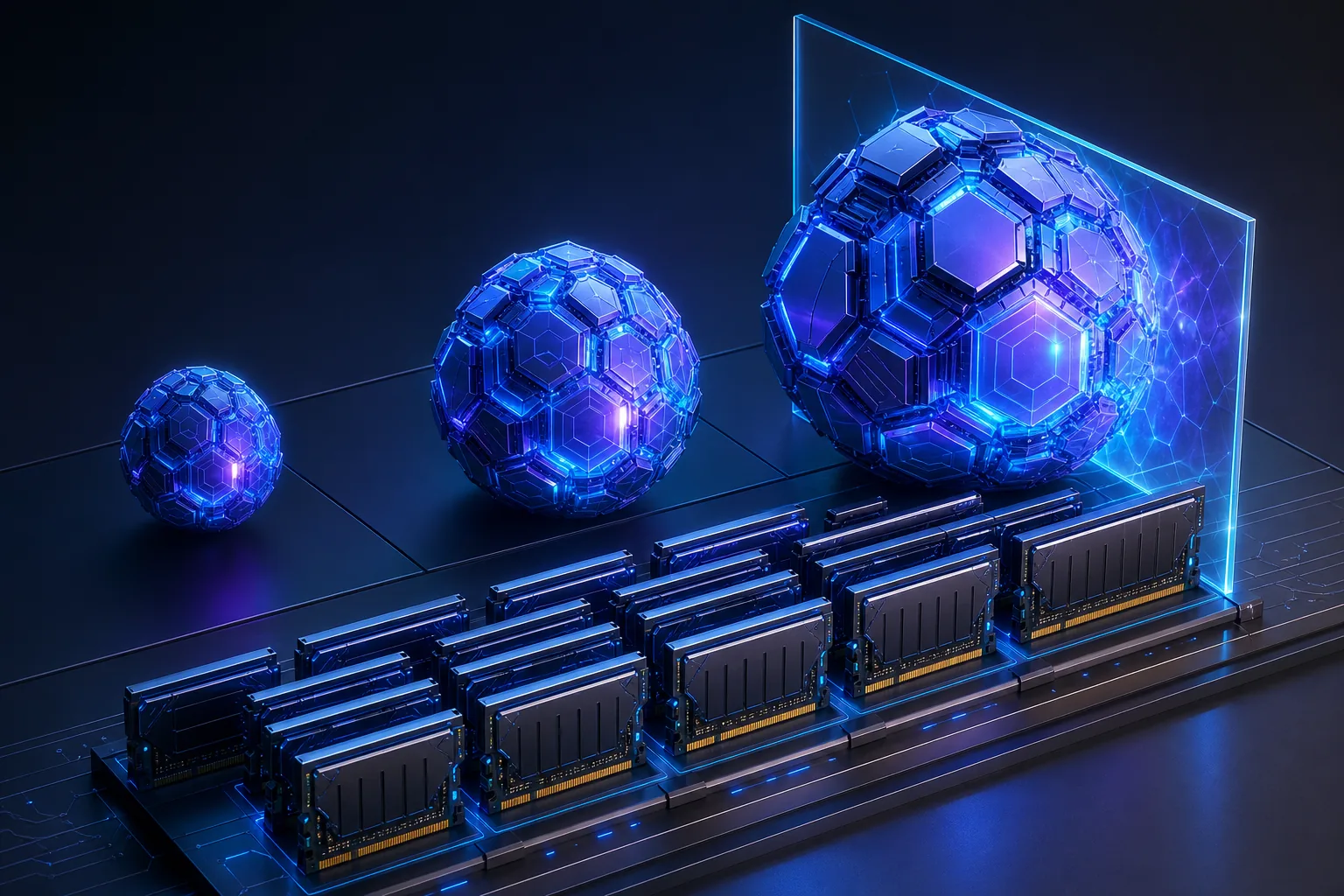
1.5B〜3Bは低遅延、7Bはバランス、14Bは短いコンテキスト限定、20B超は通常の16GB構成の対象外です。
| Model class | Typical role | Practical verdict |
|---|---|---|
| 1.5B–3B Q4 | Autocomplete and quick explanations | Fast but weaker for repository reasoning |
| 6B–8B Q4 | Daily patches, tests, refactors | Best balance for most 16GB computers |
| 12B–14B Q4 | Harder reasoning with short context | Possible but tight |
| 20B+ quantized | Large-model experiments | Usually impractical with editor and tools |
実用的な候補と使い分け
Qwen2.5-Coder 7Bを基準に、CodeGemma 7BとDeepSeek-Coder 6.7Bを実際のタスクで比較します。
コンテキスト長が構成を壊す理由
巨大なコンテキストはキャッシュと処理時間を増やします。リポジトリ全体より関連する5ファイルを渡す方が有効です。
同じ実作業でモデルを比較する
モジュール説明、バグ修正、テスト追加、diffレビューを同じ条件で実行し、品質、速度、メモリを記録します。
-
Explain a module
Check responsibilities, dependencies, and hallucinated files.
-
Make one bounded patch
Use an explicit file allowlist and review the diff.
-
Add a test
Measure project-style and edge-case understanding.
-
Record resources
Watch peak memory, swap, prompt time, token speed, and editor responsiveness.
16GB環境で避けたい失敗
空のエディタだけで判断せず、最初からシェル全権限を与えません。読み取り専用とdiff確認から始めます。
16GB local coding model FAQ
公式資料とモデルページ
- Ollama Qwen2.5-Coder library - Model sizes and local variants.
- Ollama CodeGemma library - Alternative coding model family.
- Ollama DeepSeek-Coder library - Alternative coding model sizes.
- Qwen2.5-Coder technical report - First-party coding model context.
関連ガイド
- Local AI coding agent workflow - Plan repository context, permissions, patches, tests, and review gates.
- Cursor and Ollama coding agent - Connect a local model to an editor without blurring permissions.
- Odysseus AI Ollama setup - Prepare and troubleshoot the local model endpoint.
- Local AI agent dashboard comparison - Choose the workspace layer around the runtime.
- Odysseus AIの必要スペック - アプリとローカルモデルのRAM、VRAM、CPU、保存容量を分けて計画します。
Last updated: July 13, 2026
Odysseus AI Wikiへ戻る