Agente AI locale per coding: crea un workflow Odysseus AI sicuro prima di fargli toccare il codice
Guida pratica per usare Odysseus AI come livello di lavoro intorno a un modello locale, un repository reale, permessi di comando e punti di revisione.

In questa guida
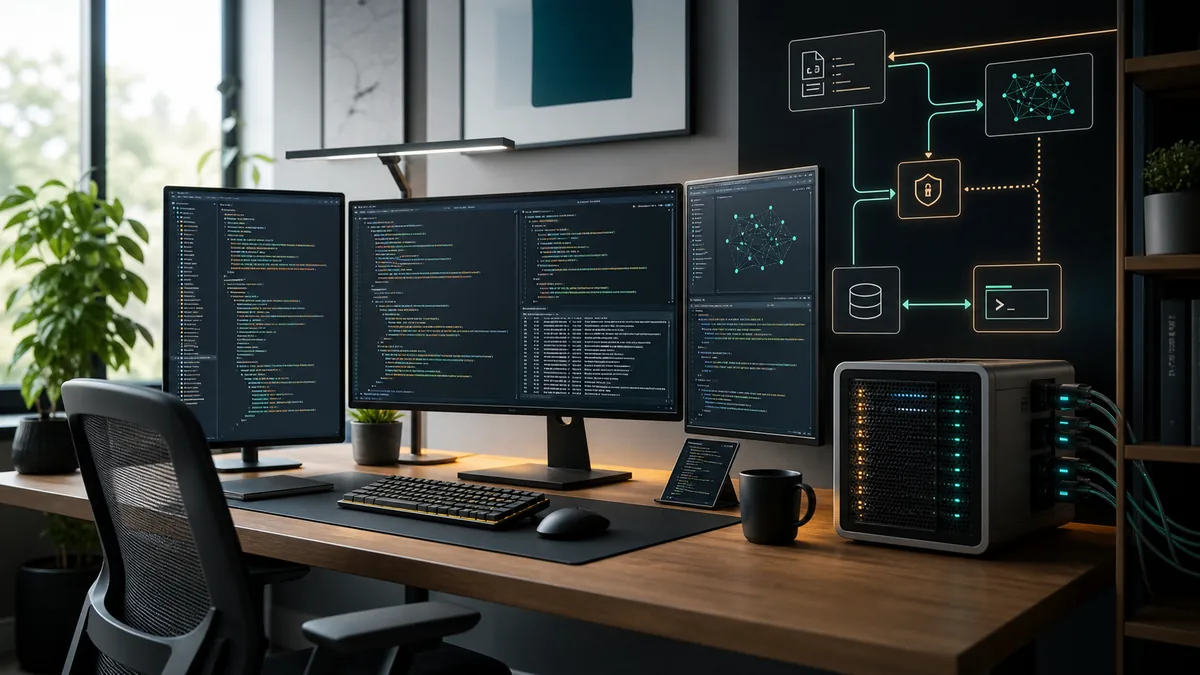
Chi cerca un agente AI locale per coding spesso vuole più di un chatbot che scrive snippet. La versione utile ispeziona un repository, spiega modifiche, prepara patch, esegue test quando autorizzata e mantiene il codice privato vicino alla macchina.
Parti dal ruolo: assistente di codice, non maintainer autonomo
Un agente AI locale per coding deve aiutare a capire il codice, pianificare modifiche, proporre patch e verificare risultati. Non dovrebbe iniziare con shell libera o modifiche non revisionate.
Odysseus AI può essere il livello workspace self-hosted. Organizza conversazioni, file, impostazioni e contesto, mentre Ollama o un endpoint compatibile OpenAI resta il runtime del modello.
Il confine è chiaro: il modello suggerisce una patch, ma il workflow decide quando scrivere file, eseguire comandi e pubblicare commit.
Regola pratica
Dai contesto prima del potere: lettura e spiegazione prima, scrittura e comandi dopo.
Architettura di un agente AI locale per coding
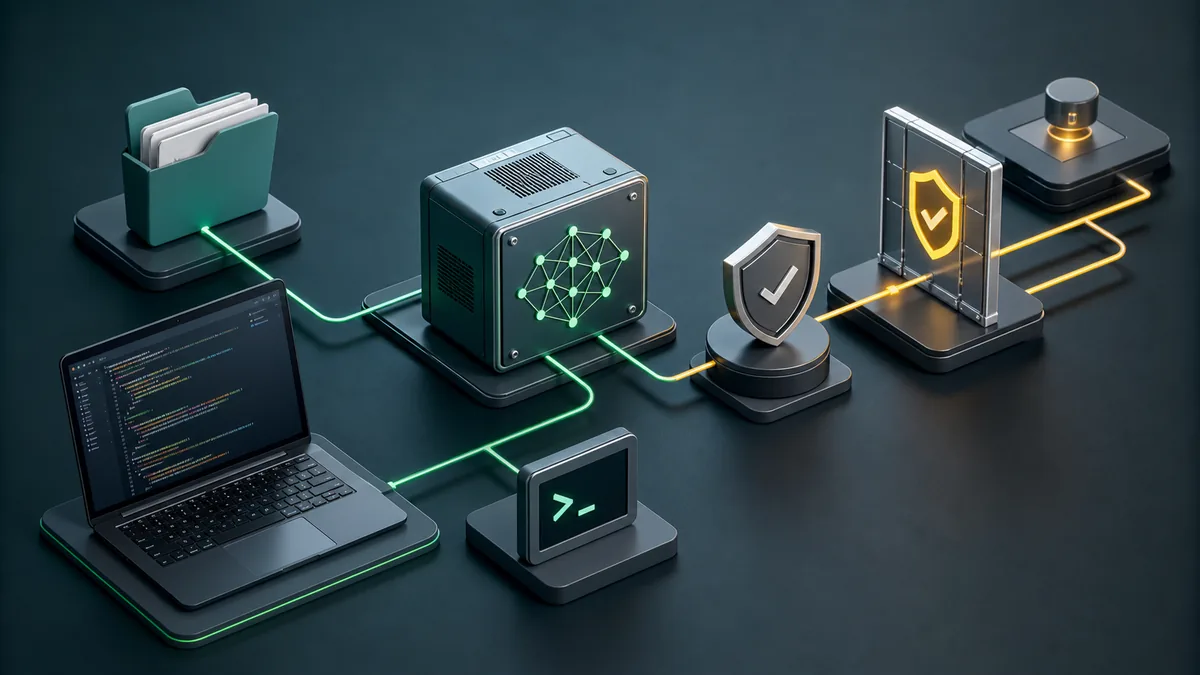
Pensa a quattro livelli: runtime del modello, workspace, confine del repository e livello di esecuzione. I problemi nascono quando questi livelli si confondono.
Un’architettura pulita permette di cambiare modello senza cambiare policy del repository e di testare Odysseus AI con endpoint locale.
| Livello | Scopo | Prima impostazione sicura | Rischio se saltato |
|---|---|---|---|
| Model runtime | Runs the coding-capable model and exposes an endpoint. | Start on localhost with one known model. | You debug agent behavior when the model endpoint is actually broken. |
| Workspace | Holds conversations, documents, settings, and task context. | Use Odysseus AI or another dashboard with explicit endpoint settings. | The assistant sees too little context or stores data where you did not expect. |
| Repository boundary | Defines what code the agent may inspect or modify. | Open one non-sensitive repo first. | Secrets, unrelated folders, or generated files leak into prompts and patches. |
| Execution layer | Runs tests, formatters, package managers, and Git commands. | Require human approval for write and shell actions. | A bad command can modify files, install packages, or expose data before review. |
Checklist prima di collegare il codice
Non partire dal repository privato più importante. Usa un progetto piccolo per verificare qualità del modello, percorsi, comandi e permessi.
La checklist è prudente perché protegge i confini invece di dipendere da una singola interfaccia.
- Verifica l’endpoint del modello con un prompt semplice prima del dashboard.
- Crea una cartella di lavoro dedicata e non montare tutta la home.
- Rimuovi .env, chiavi API, dump e log privati dal primo contesto.
- Tieni dashboard e modello su localhost all’inizio.
- Scopri dove sono salvati chat, upload, embedding e configurazione.
- Assicurati che Git sia pulito prima di chiedere modifiche.
- Esegui una volta test e formatter normali per conoscere la baseline.
I permessi contano più della dimensione del modello
Un modello più grande può generare patch migliori, ma i permessi definiscono il raggio d’azione. Una shell libera può installare, eliminare o esporre dati.
Separa lettura, scrittura, esecuzione e Git. Lettura prima; scrittura e comandi devono restare visibili e approvati.
| Permesso | Inizia con | Consenti dopo quando |
|---|---|---|
| Read repository | A small project folder without secrets. | You have a .gitignore, clean status, and clear context boundaries. |
| Write files | One scoped change at a time. | The agent can explain the patch and you can review the diff. |
| Run commands | Read-only checks or known test commands. | You understand the command and it stays inside the project. |
| Install packages | Avoid during first tests. | A dependency change is part of the task and lockfile changes are reviewed. |
| Commit and push | Manual only. | Validation passed and the diff contains only intended files. |
Un workflow quotidiano che mantiene utile l’agente
Il ritmo migliore è piccolo e ripetibile: obiettivo, ispezione, piano, modifica limitata, validazione e review del diff.
Usa Odysseus AI per contesto, note e routing del modello; mantieni i comandi in un livello controllato.
-
State the change boundary
Name the feature, bug, or file area. Avoid broad prompts like 'clean up the repo' until the agent has proven itself.
-
Let the agent inspect before editing
Ask for existing patterns, routes, tests, and build commands. Good coding assistance starts with context.
-
Approve a narrow edit
Small patches are easier to review and revert. Keep unrelated refactors out of the first pass.
-
Run targeted checks
Use the project's real build, tests, linters, or browser checks. Do not accept a patch that was never exercised.
-
Review Git status before publishing
Generated files, caches, profiles, and build artifacts need explicit handling. Commit only what belongs to the task.
Errori comuni con agenti locali di codice
La maggior parte dei problemi nasce da troppo accesso troppo presto. L’agente è più sicuro in un progetto noto con comandi noti e diff visibili.
| Errore | Perché crea problemi | Mossa migliore |
|---|---|---|
| Mounting the whole home folder | The agent can read unrelated files and secrets. | Open only the target workspace. |
| Skipping baseline tests | You cannot tell whether the agent broke something or inherited a failing project. | Run the project's normal checks before edits. |
| Letting the model choose commands blindly | Package installs, migrations, or cleanup commands may have side effects. | Approve each command and keep it project-scoped. |
| Committing generated clutter | Caches and profiles pollute source history and CI. | Inspect git status and ignore temporary validation artifacts. |
| Confusing model quality with workflow safety | A smart model can still act on bad permissions. | Keep approval gates even when the model is strong. |
FAQ sugli agenti AI locali per coding
Sources and official docs
- Official Odysseus AI GitHub repository - Primary source for current project files, setup notes, and workspace positioning.
- Ollama API documentation - Reference for local model server endpoints used by many self-hosted workflows.
- Git documentation - Reference for repository, diff, commit, and status behavior in coding workflows.
- OpenAI Model Context Protocol overview - Useful background for tool/context boundaries in agentic workflows.
Guide Odysseus AI correlate
- Local AI agent dashboard - Choose the workspace layer before building a coding workflow.
- Odysseus AI Ollama setup - Connect Odysseus AI to a local model endpoint without localhost confusion.
- Odysseus AI Docker setup - Use Docker Compose, volumes, ports, and safe local defaults.
- Odysseus AI Windows setup - Handle WSL2, Docker Desktop, firewall prompts, and local endpoints on Windows.
Last updated: June 29, 2026
Torna a Odysseus AI Wiki