OpenWebUI vs LibreChat: 자체 호스팅 AI 채팅 UI 선택 가이드
Ollama 중심 로컬 대시보드, 멀티 제공자 채팅, Odysseus AI식 워크스페이스를 비교하는 가이드입니다.

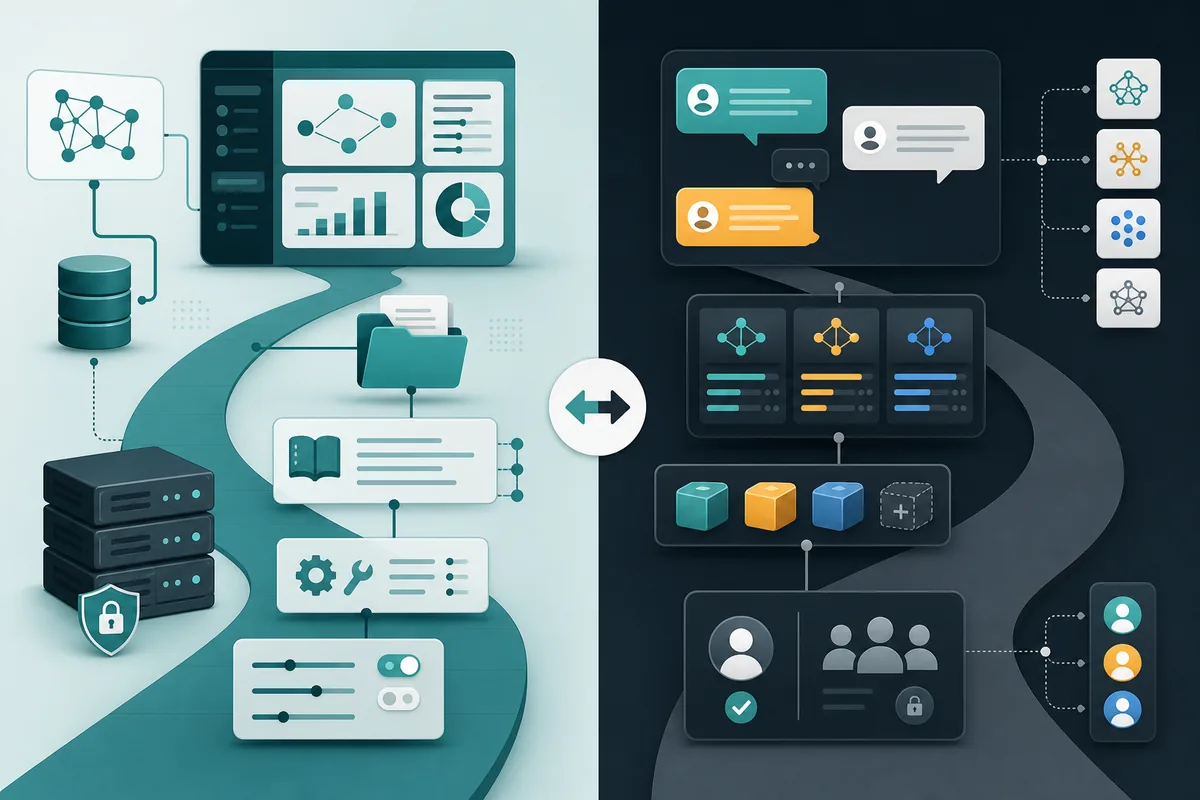
이 가이드에서 다루는 내용
OpenWebUI vs LibreChat을 검색하는 사람은 이미 자체 호스팅 AI 인터페이스를 원하지만, 로컬 모델 대시보드가 필요한지, 멀티 제공자 채팅 레이어가 필요한지, 더 넓은 워크스페이스가 필요한지 고민하는 경우가 많습니다. 이 차이는 화면 디자인보다 중요합니다. 두 프로젝트 모두 로컬 AI 스택에 들어갈 수 있지만 운영, 보안, 저장 위치, 유지보수 습관이 달라집니다.
빠른 결론
첫 요구가 Ollama와 로컬 모델을 편하게 쓰는 브라우저 UI라면 Open WebUI가 더 깔끔한 출발점입니다. 모델 선택, 대화, 지식 기능, 도구, 관리자 설정이 로컬 대시보드 패턴으로 묶여 있습니다.
첫 요구가 ChatGPT와 비슷한 자체 호스팅 채팅이며 여러 제공자, 프리셋, 사용자, 일관된 대화 관리를 원한다면 LibreChat이 더 강합니다. 단순한 Ollama 패널이라기보다 제공자와 채팅 정책을 관리하는 레이어입니다.
짧은 답
Ollama나 로컬 모델 대시보드가 중심이면 Open WebUI를 선택하세요. 여러 제공자, 프리셋, 계정, 라우팅이 필요하면 LibreChat이 맞습니다. 채팅을 넘어 문서, 리서치, 노트, 서비스 설정까지 필요하면 Odysseus AI도 비교해야 합니다.
Open WebUI가 맞는 경우
Open WebUI는 모델 런타임이 이미 중심일 때 적합합니다. Ollama를 로컬에서 돌리고, 작은 모델을 테스트하며, 한 로컬 머신에서 빠른 웹 UI가 필요하면 대시보드 우선 접근이 실용적입니다.
하지만 로컬이라고 자동으로 안전하지는 않습니다. 볼륨, 업로드 파일, 로그, 임베딩, 자격 증명, 공개 포트를 확인해야 합니다. localhost 밖으로 노출하기 전 인증과 저장 위치를 이해해야 합니다.
- Ollama-first local model workflow
- Local dashboard and admin controls
- Review storage, auth, logs, and exposed ports
LibreChat이 맞는 경우
LibreChat은 다른 사고방식에 맞습니다. 여러 모델 제공자, 프리셋, 에이전트, 접근 패턴을 한 채팅 워크스페이스에서 관리하고 싶은 팀이나 고급 사용자에게 강합니다.
그 유연성은 설정 책임을 늘립니다. API 키, 제공자 정책, 저장소, 팀 접근 권한, 업데이트 경로를 더 엄격하게 관리해야 합니다. 노트북에서 간단한 Ollama UI만 원한다면 과한 스택일 수 있습니다.
| Need | Why it helps | Risk to check |
|---|---|---|
| Multiple providers | Provider routing and chat conventions | Keys and endpoint policy |
| Shared presets | Standardized model and prompt behavior | Weak defaults can spread |
| Local plus hosted mix | One chat surface for several endpoints | Privacy depends on selected provider |
비교표
올바른 비교는 기능 수가 아니라 워크플로 적합도입니다. Open WebUI는 로컬 모델을 쉽게 쓰는 답이고, LibreChat은 멀티 제공자 채팅을 관리하는 답이며, Odysseus AI는 더 넓은 워크스페이스를 정리하는 답입니다.
| Decision | Open WebUI | LibreChat | Odysseus AI |
|---|---|---|---|
| Primary job | Ollama-first local dashboard | Multi-provider chat workspace | Broader workspace layer |
| Setup style | Fast local model UI | Accounts, presets, provider routing | Documents, research, notes, services |
| Privacy check | Volumes, uploads, auth, ports | Keys, providers, users, storage | Do not duplicate permissions |
| Avoid when | Provider governance is the real task | Only a thin Ollama UI is needed | Only chat is required |
결정 흐름
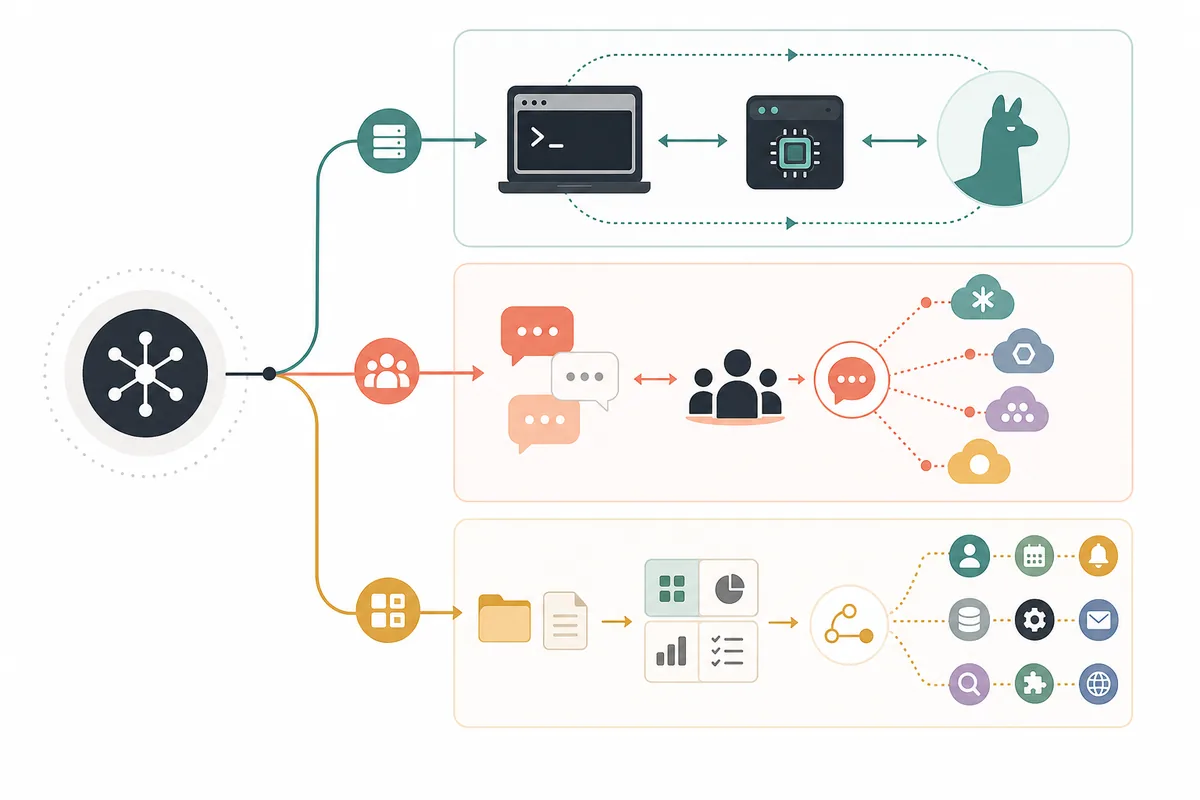
먼저 UI 밖에서 모델 레이어를 검증하세요. Ollama나 다른 endpoint가 기본 프롬프트에 답하지 못하면 대시보드를 바꿔도 문제가 해결되지 않습니다. 그 다음 Docker, 계정, 파일 업로드, 업데이트 경로를 비교합니다.
-
Prove the model runtime
Test the endpoint directly before debugging the UI.
-
Pick the workflow layer
Choose dashboard-first, chat-first, or workspace-first.
-
Review data paths
Find chats, uploads, embeddings, credentials, logs, and backups.
Odysseus AI의 위치
Odysseus AI는 Open WebUI나 LibreChat의 단순 복제가 아닙니다. 가치는 로컬 AI 작업 주변의 워크스페이스, 즉 채팅, 에이전트, 문서, 리서치, 노트, 작업, 서비스 설정에 있습니다.
실용적인 스택은 여러 레이어를 함께 쓸 수 있습니다. Ollama는 런타임, Open WebUI나 LibreChat은 채팅 표면, Odysseus AI는 설정 메모와 문서의 작업 공간이 될 수 있습니다. 중요한 것은 데이터와 권한을 통제 없이 중복하지 않는 것입니다.
Odysseus AI boundary
Use Odysseus AI when workspace depth matters. Use Open WebUI or LibreChat when the problem is primarily the chat surface.
FAQ de OpenWebUI vs LibreChat
Sources and official docs
- Open WebUI documentation - Official documentation for Open WebUI deployment and feature context.
- LibreChat documentation - Official documentation for LibreChat provider, account, and chat-workspace behavior.
- Official Odysseus AI GitHub repository - Primary source for Odysseus AI workspace setup and project positioning.
- Ollama API documentation - Reference for local model runtime and endpoint behavior.
Related Odysseus AI guides
- Local AI agent dashboard - Use this broader comparison when Odysseus AI, AnythingLLM, Dify, and Ollama-only setups are also on the shortlist.
- Odysseus AI Ollama setup - Prepare the model endpoint before choosing the chat or workspace layer.
- Local AI coding agent - Keep repository permissions and command gates separate from chat UI choices.
- Odysseus AI Docker setup - Review ports, volumes, .env, updates, and safe local exposure before publishing services.
최종 업데이트: 2026년 7월 10일
Odysseus AI Wiki