16GB RAM용 로컬 AI 코딩 모델 선택 가이드
가장 큰 모델보다 에디터, 저장소, 컨텍스트와 도구에 메모리를 남기는 모델을 선택하세요.

가이드 내용
16GB 컴퓨터에서 최고의 로컬 코딩 모델을 고르는 핵심은 메모리 예산입니다. 모델, KV 캐시, 운영체제, 에디터, 저장소 검색, 터미널과 도구가 자원을 공유합니다.
짧은 답: 7B 코더부터 시작
Q4 7B 코딩 모델이 가장 안전한 출발점이며 Ollama, 에디터, Git, 컨텍스트에 여유를 남깁니다. 14B는 한계 실험용입니다.
Default recommendation
Q4 7B 코딩 모델이 가장 안전한 출발점이며 Ollama, 에디터, Git, 컨텍스트에 여유를 남깁니다. 14B는 한계 실험용입니다.
16GB RAM과 16GB VRAM은 다릅니다
시스템 RAM은 모든 앱이 공유하고 전용 VRAM은 주로 모델을 담습니다. 내장 그래픽도 시스템 RAM을 사용합니다.
현실적인 메모리 예산 만들기
파일 크기가 전체 사용량은 아닙니다. 버퍼, KV 캐시, 컨텍스트, 인덱스, 터미널과 컨테이너를 더하고 몇 GB를 비우세요.
16GB 코딩 PC에 맞는 모델 등급
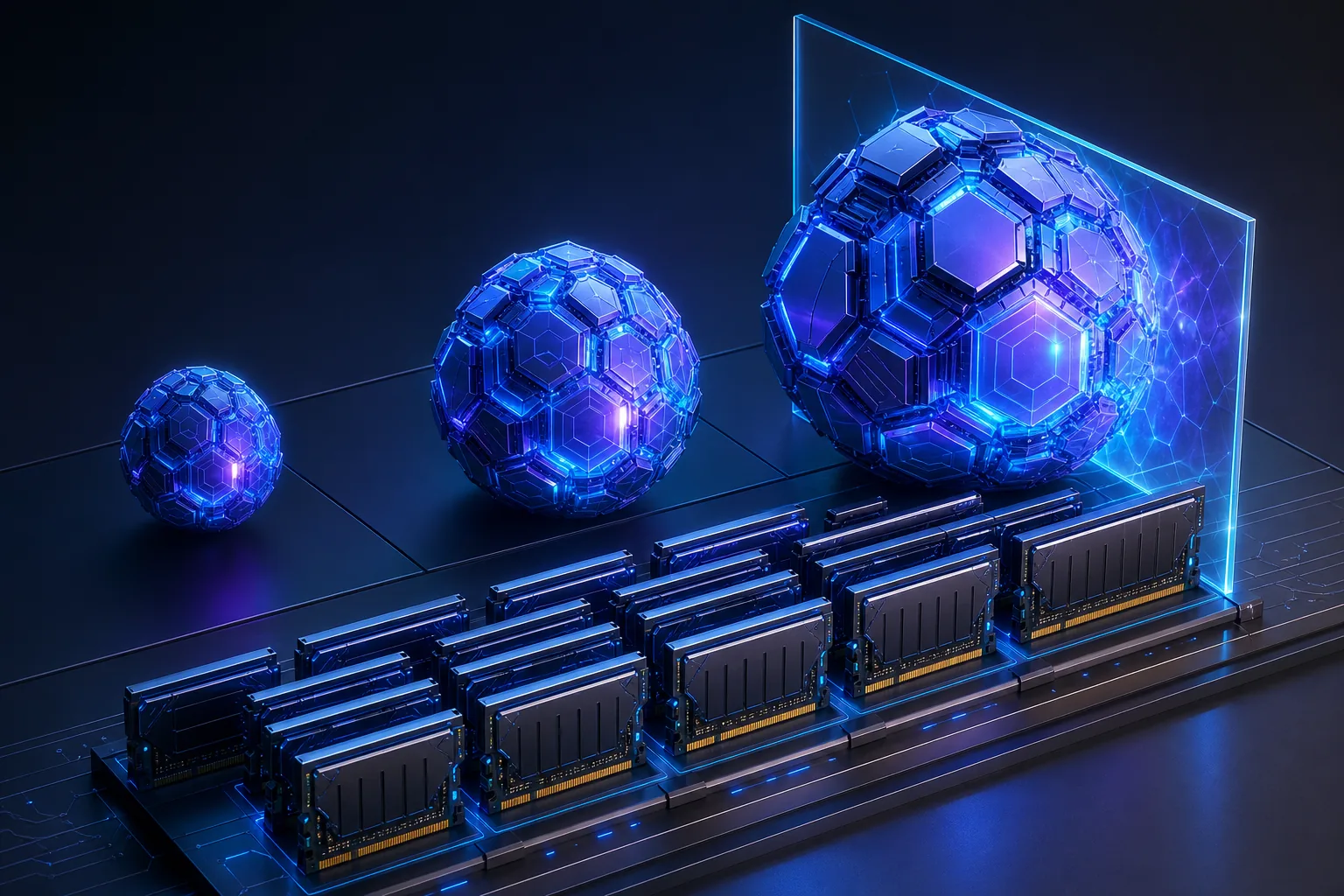
1.5B–3B는 저지연, 7B는 균형, 14B는 짧은 컨텍스트, 20B 초과는 일반적인 16GB 목표 밖입니다.
| Model class | Typical role | Practical verdict |
|---|---|---|
| 1.5B–3B Q4 | Autocomplete and quick explanations | Fast but weaker for repository reasoning |
| 6B–8B Q4 | Daily patches, tests, refactors | Best balance for most 16GB computers |
| 12B–14B Q4 | Harder reasoning with short context | Possible but tight |
| 20B+ quantized | Large-model experiments | Usually impractical with editor and tools |
실용적인 모델과 사용 시점
Qwen2.5-Coder 7B를 기준으로 CodeGemma 7B와 DeepSeek-Coder 6.7B를 실제 저장소 작업에서 비교하세요.
컨텍스트 길이가 구성을 망치는 이유
큰 컨텍스트는 캐시와 처리 시간을 늘립니다. 저장소 전체보다 관련 파일 다섯 개를 정확히 찾는 편이 낫습니다.
반복 가능한 코딩 작업으로 테스트
모듈 설명, 작은 패치, 테스트 추가, diff 검토를 같은 조건에서 실행하세요.
-
Explain a module
Check responsibilities, dependencies, and hallucinated files.
-
Make one bounded patch
Use an explicit file allowlist and review the diff.
-
Add a test
Measure project-style and edge-case understanding.
-
Record resources
Watch peak memory, swap, prompt time, token speed, and editor responsiveness.
16GB 환경의 흔한 실수
빈 에디터에서만 테스트하거나 즉시 전체 셸 권한을 주지 마세요. 읽기 전용부터 시작하세요.
16GB local coding model FAQ
공식 자료와 모델 페이지
- Ollama Qwen2.5-Coder library - Model sizes and local variants.
- Ollama CodeGemma library - Alternative coding model family.
- Ollama DeepSeek-Coder library - Alternative coding model sizes.
- Qwen2.5-Coder technical report - First-party coding model context.
관련 로컬 AI 가이드
- Local AI coding agent workflow - Plan repository context, permissions, patches, tests, and review gates.
- Cursor and Ollama coding agent - Connect a local model to an editor without blurring permissions.
- Odysseus AI Ollama setup - Prepare and troubleshoot the local model endpoint.
- Local AI agent dashboard comparison - Choose the workspace layer around the runtime.
- Odysseus AI 시스템 요구 사항 - 앱과 로컬 모델의 RAM, VRAM, CPU, 저장 공간을 분리해 계획합니다.
Last updated: July 13, 2026
Odysseus AI Wiki로 돌아가기