How to Use Odysseus AI: First Task to Safe Daily Workflow
A practical post-install guide for opening the workspace, running a first task, reviewing output, and building a repeatable local workflow.

On this page
If Odysseus is already installed, the next step is not another setup command. The useful workflow is: verify the local model, open a small project, describe one concrete outcome, inspect the plan and file changes, and only then allow execution. This tutorial focuses on that operating loop rather than repeating the Docker, Windows, macOS, or Ollama installation guides.
Before your first task
Open the Odysseus service using the same method you installed it with, then confirm the web interface loads and the configured model provider is reachable. Keep the project in version control or make a backup before granting write access.
- Use a small test repository.
- Keep secrets and personal folders outside the workspace.
- Begin with read-only analysis when possible.
Run a useful first task
Choose a narrow job such as explaining one module, finding a bug in one file, or drafting a change plan. Name the relevant folder, define the desired output, and state what Odysseus must not change. A bounded prompt is easier to verify than a broad request to improve the whole project.
Use the plan, review, and approval loop
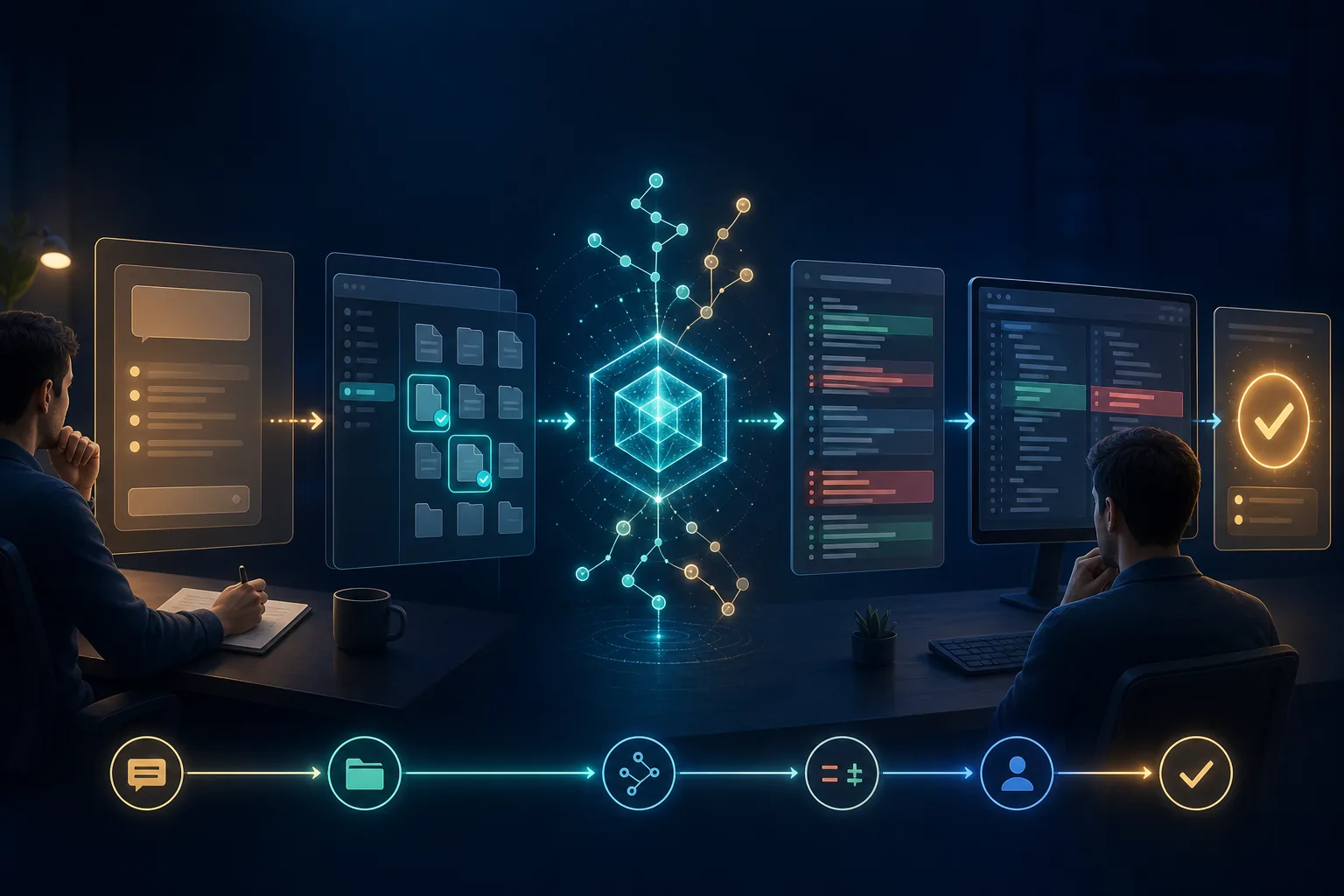
Treat the agent as a collaborator that proposes work, not as an unattended administrator. Read the plan, check which files are selected, inspect diffs and commands, and approve only the minimum action needed. Commit or checkpoint after a verified result so the next task starts from a known state.
Set safer permissions
Prefer project-scoped file access, confirmation before shell commands, and explicit approval for network or destructive operations. Do not expose the service publicly without authentication and network controls. Local-first does not automatically mean risk-free.
- Limit the workspace root.
- Review commands before execution.
- Never paste API keys into prompts.
- Stop the run when the task scope changes.
Fix common first-run problems
If the page loads but no answer appears, verify the model is downloaded and the provider endpoint is reachable from the Odysseus process or container. If files are missing, check the mounted path and permissions. If results are weak, reduce the task size, provide the exact file path, and lower the requested context.
Build a repeatable daily workflow
Use one task per session, preserve a short project brief, review outputs before applying them, and end with a clean git status. For installation-specific problems, use the dedicated Ollama, Docker, Windows, or macOS guides instead of mixing setup debugging with everyday agent use.
FAQ
References
- Odysseus GitHub repository - Project source and current documentation
- Odysseus setup documentation - First-party setup and configuration reference
Related guides
- Odysseus AI Ollama setup - Connect and troubleshoot the local model provider.
- Odysseus AI Docker setup - Check containers, ports, volumes, and service startup.
- Odysseus AI requirements - Review RAM, storage, runtime, and model requirements.
Last updated: July 20, 2026
Back to homepage