Cómo desinstalar Odysseus AI sin perder los datos que quieres conservar
Docker, Windows, macOS, and Linux cleanup guide

Contents
No existe un único comando de desinstalación. Separa el código de los volúmenes, base de datos, archivos, credenciales y modelos de Ollama. El repositorio oficial se comprobó el 19 de julio de 2026 y no tenía releases ni tags verificables.
Antes de borrar
Record how Odysseus was started and back up documents, notes, exports, database files, and settings outside the repository.
Elige la ruta correcta
Use the Docker path when docker compose ps shows Odysseus services. Use the native path when launch scripts or manual Python/frontend commands ran on the host.
| Path | Remove first | Keep unless intentional |
|---|---|---|
| Docker Compose | Containers and network | Volumes, mounts, Ollama models |
| Native scripts | Processes and repository | Shared runtimes and tools |
| Privacy reset | App data and copied secrets | Verified non-secret notes |
Eliminar Docker Compose
Run docker compose down first. It removes containers and networks while normally preserving named volumes. Use docker compose down -v only after inspecting and backing up persistent data.
Eliminar instalación nativa
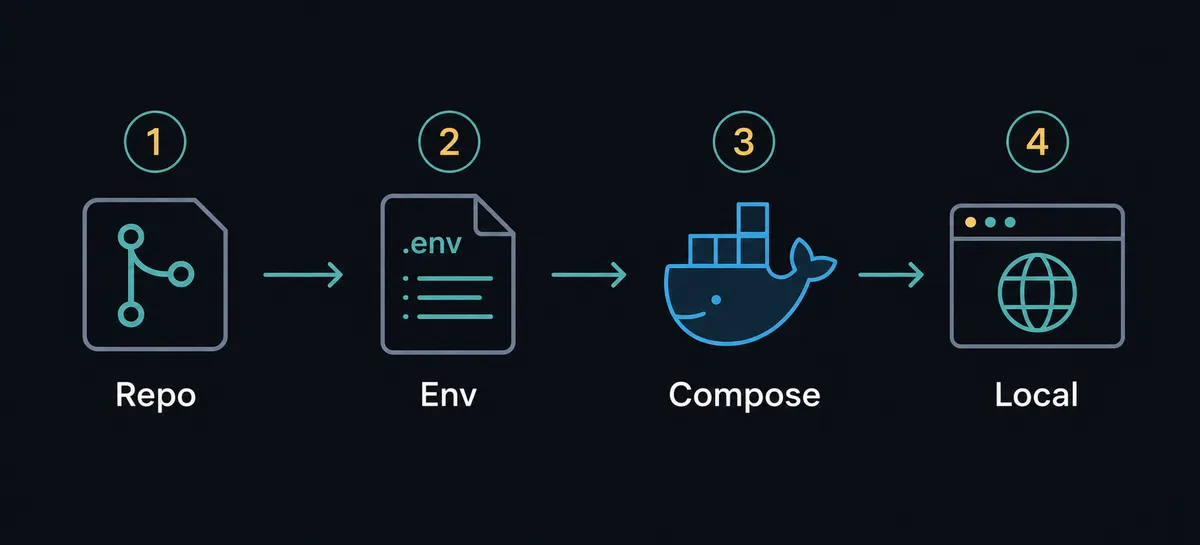
Stop backend and frontend processes, then remove the cloned repository. Delete only Odysseus-specific startup tasks, services, shortcuts, or firewall rules; keep shared Python, Node, Git, Docker, and Ollama tools when other projects need them.
Decide qué conservar
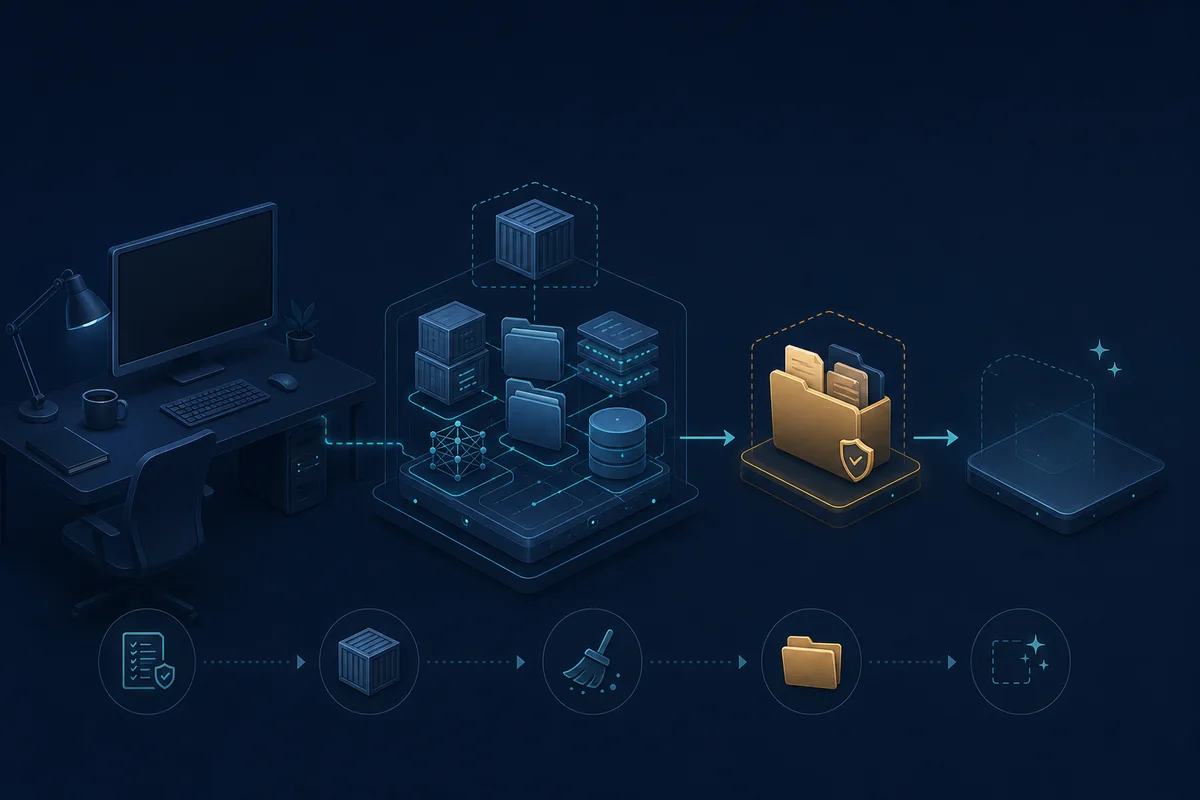
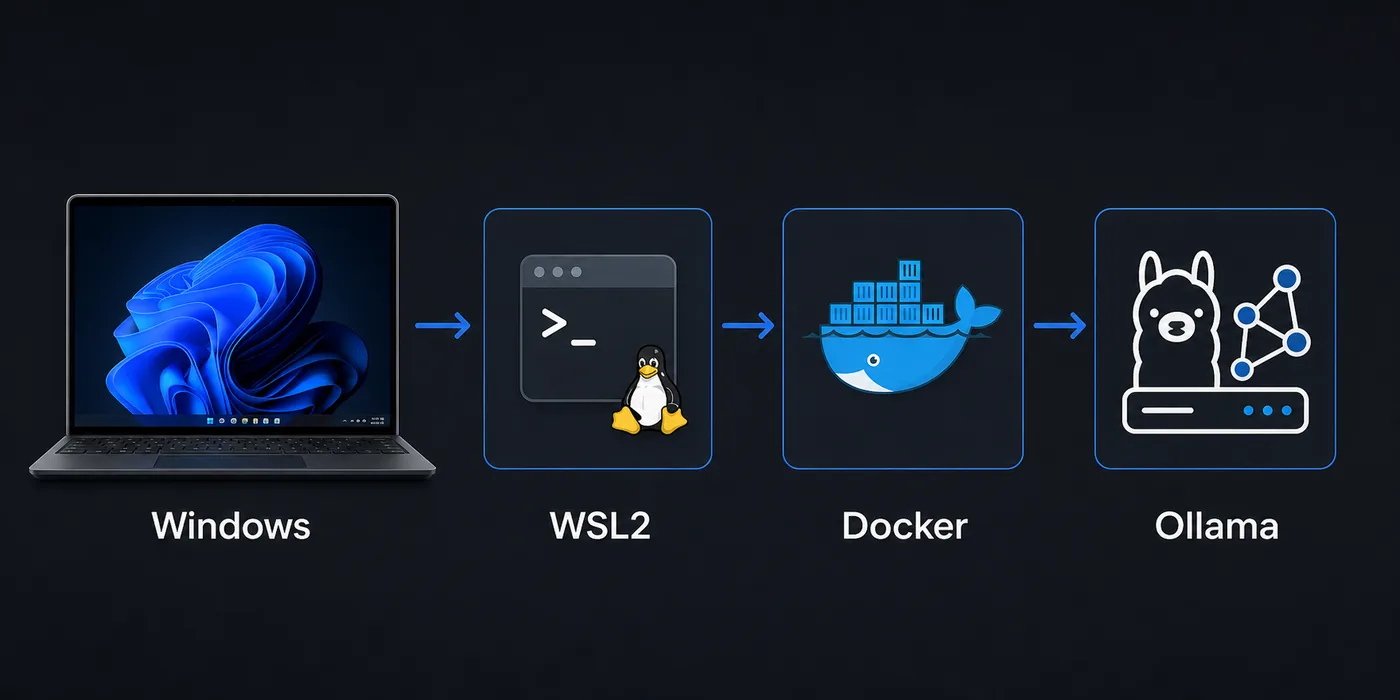
Treat repository code, database/uploads, .env secrets, logs, Docker volumes, bind mounts, and Ollama models as separate data groups. Privacy cleanup should also check backups and the recycle bin.
Verifica la desinstalación
Confirm the former local URL no longer responds, no project container or process remains, and the repository is deleted or archived. Reinstall from the current official repository and active branch documentation.
-
Stop
Stop the application and related containers or processes.
-
Remove
Delete only the selected code and data groups.
-
Verify
Check URL, port, containers, processes, volumes, and path.
-
Reinstall
Clone the official repository and follow active branch docs.
FAQ
Official sources
- Official Odysseus repository - Repository and branch structure checked July 19, 2026.
- Official setup guide - Docker and native setup paths.
- Docker Compose down reference - Container, network, image, and volume behavior.
Related guides
- Odysseus AI Docker setup - Review Compose and storage before removal.
- Odysseus AI Windows setup - Review WSL2 and native launcher details.
- Odysseus AI Ollama setup - Decide whether the shared model service should remain.
Verified July 19, 2026
Back to Odysseus AI Wiki